
Last updated November 15, 2026
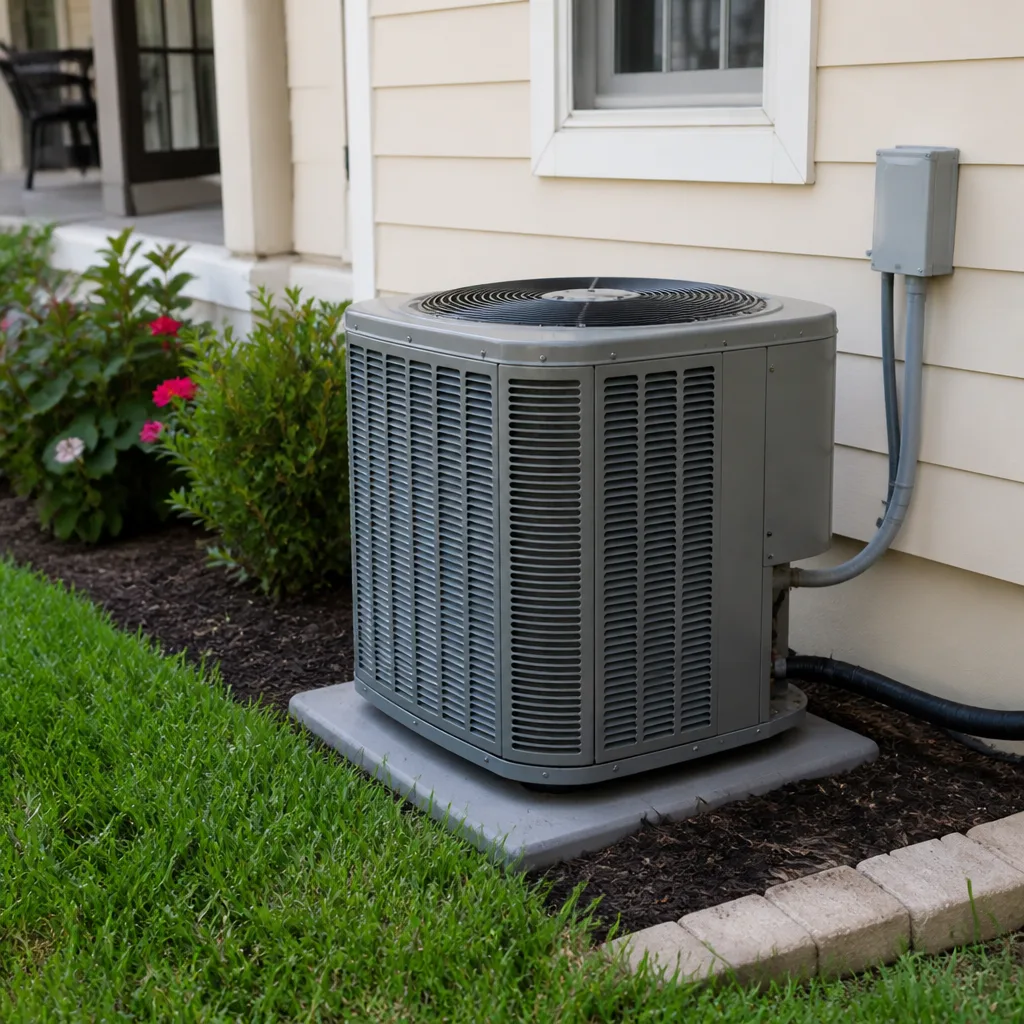 AC repair
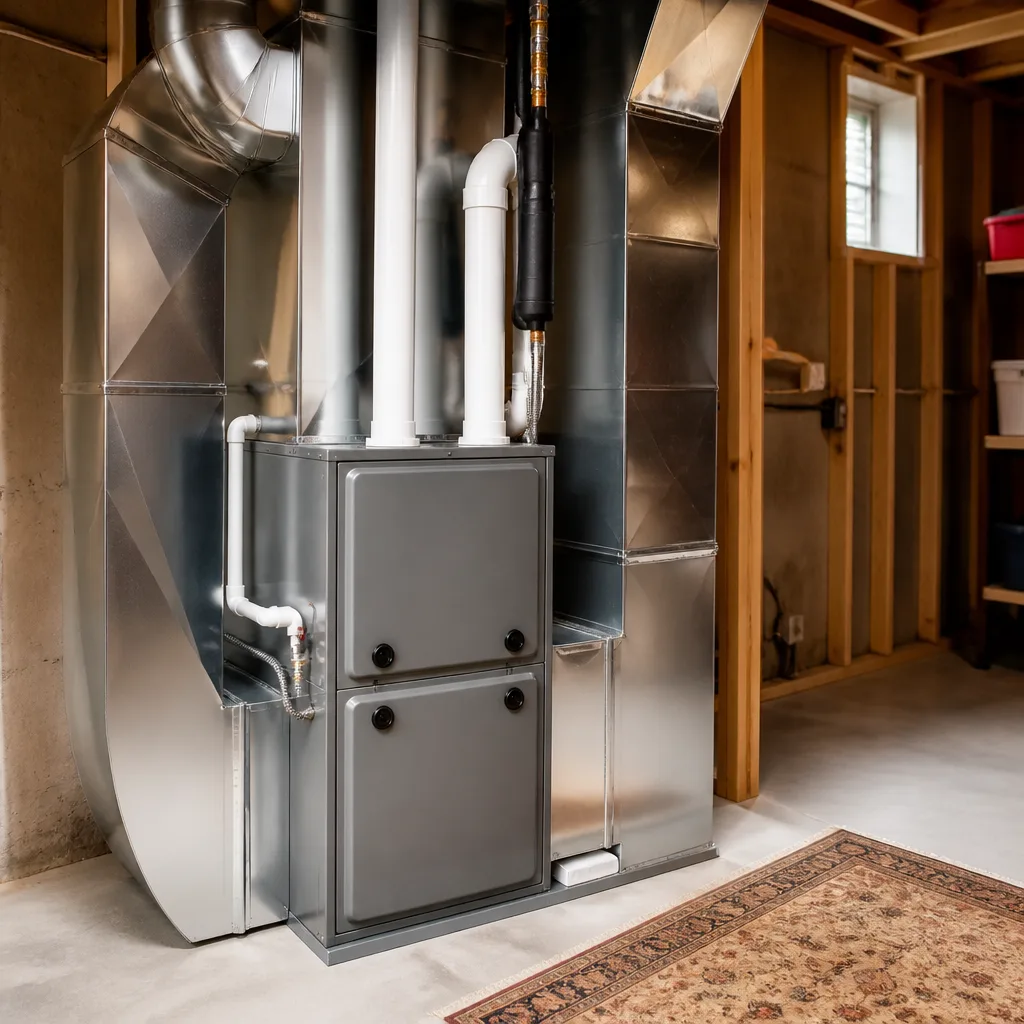 Furnace & heating
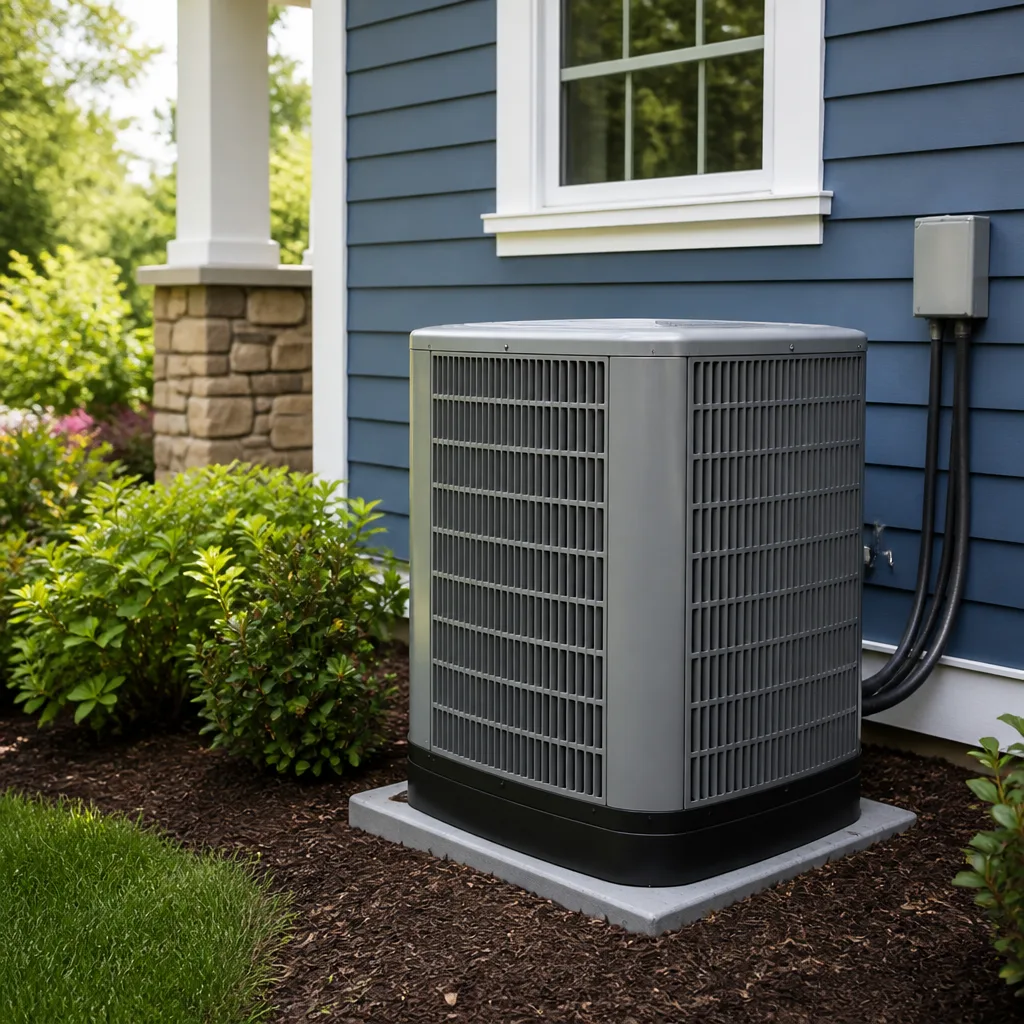 Heat pumps
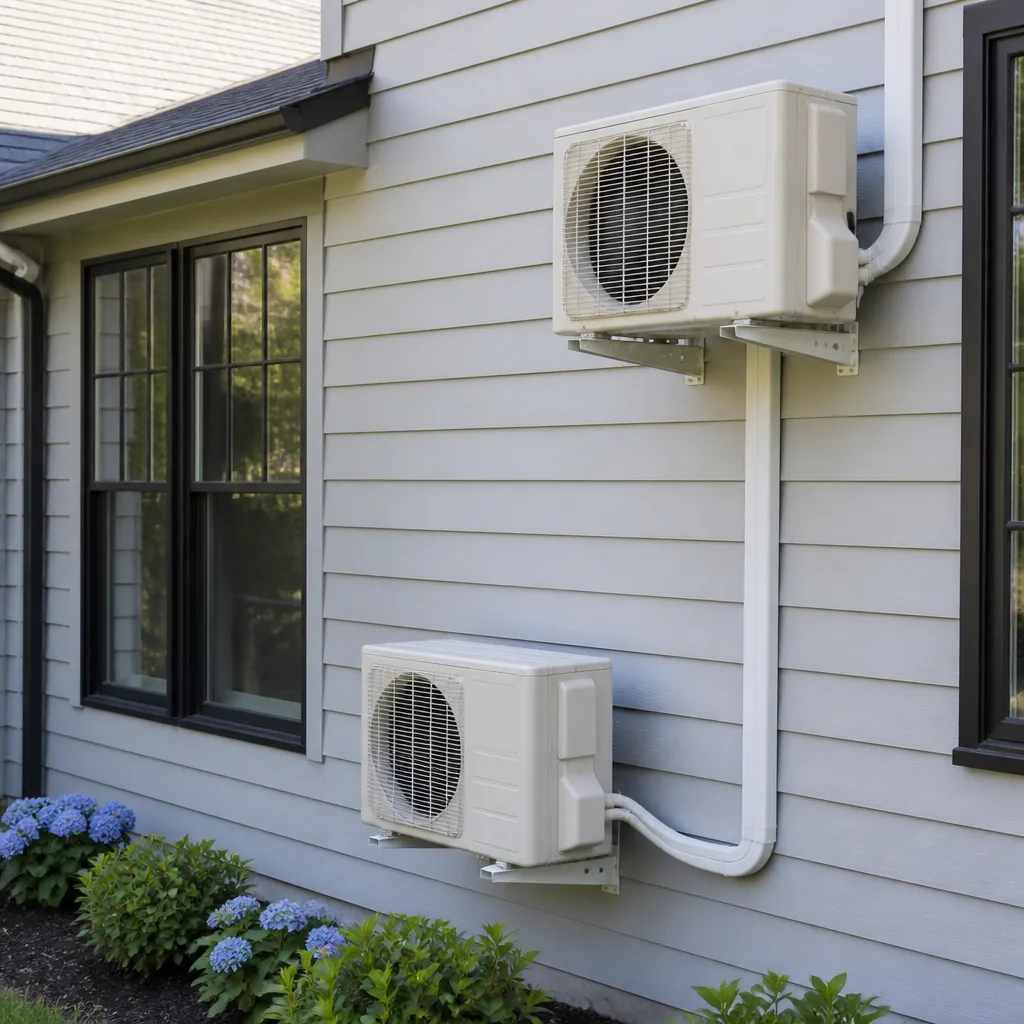 Ductless mini splits
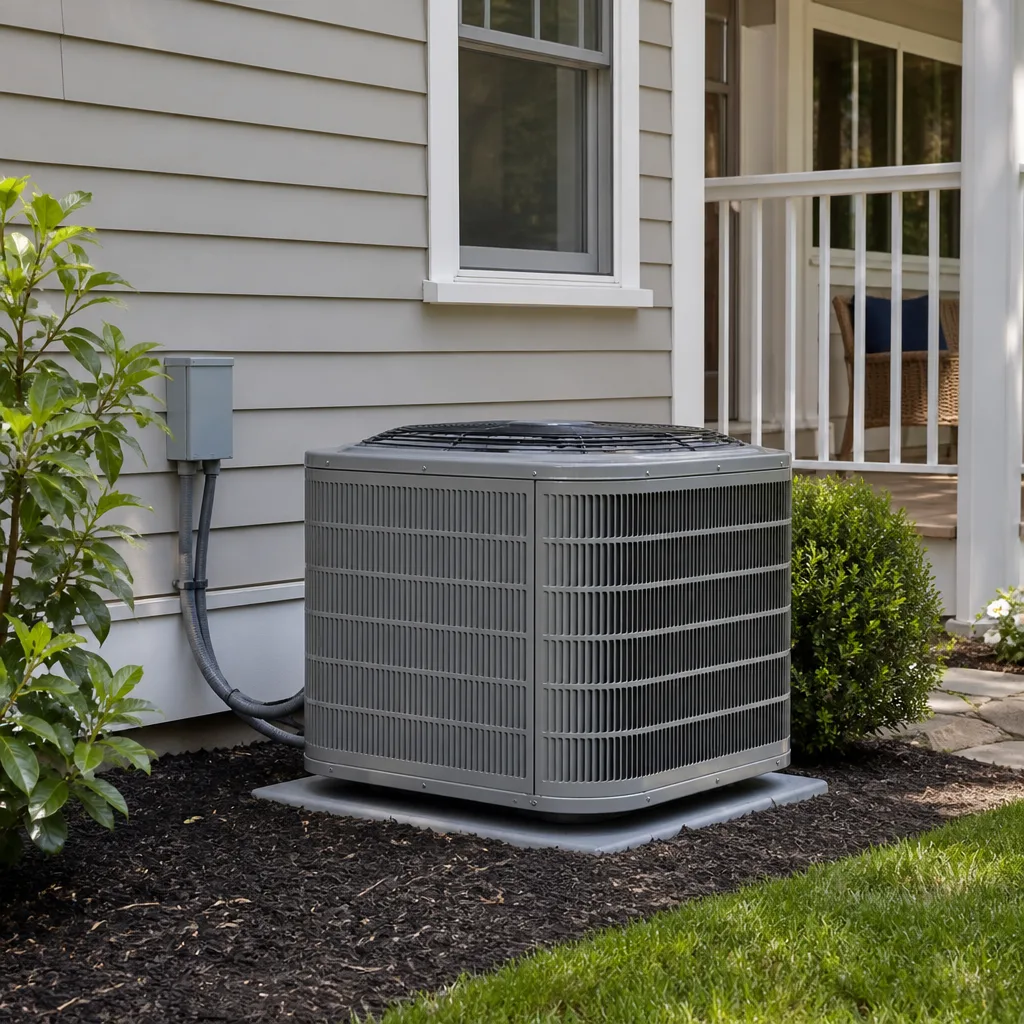 Carrier
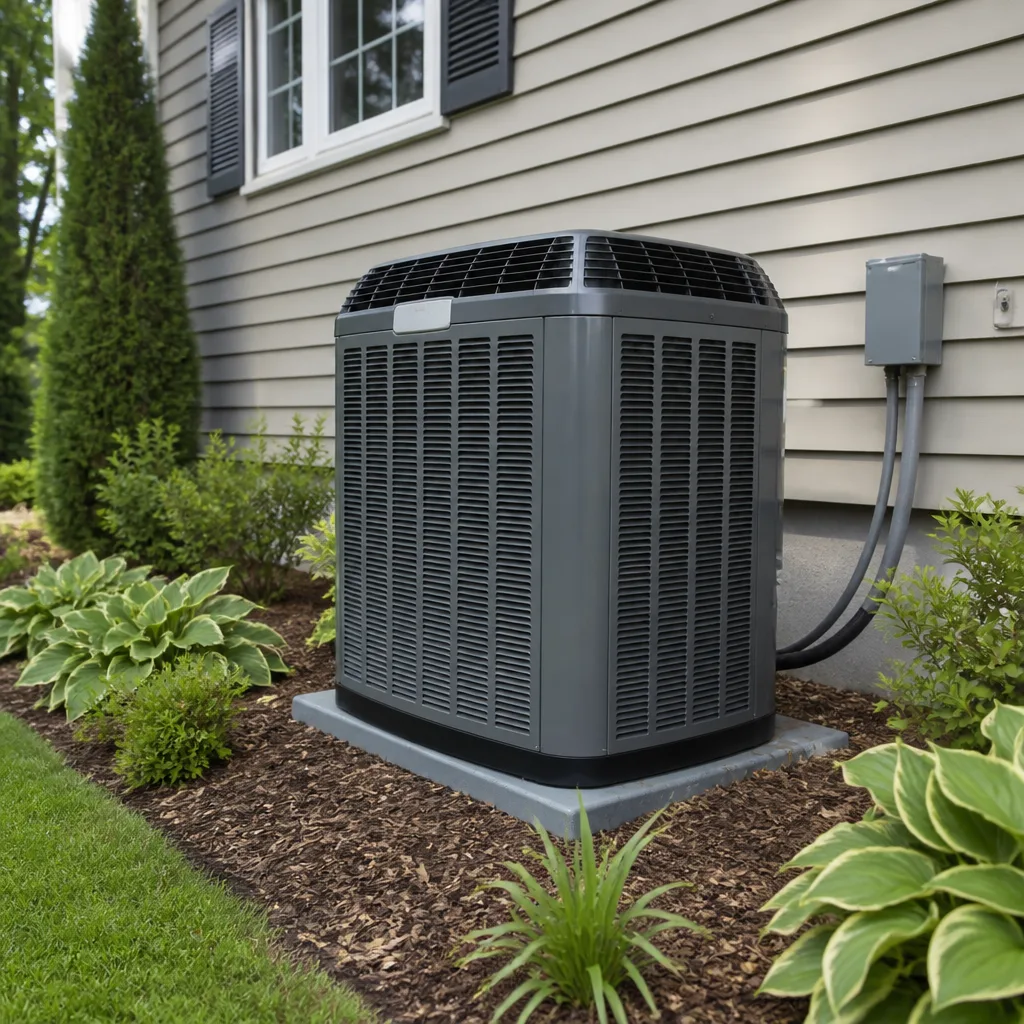 Trane
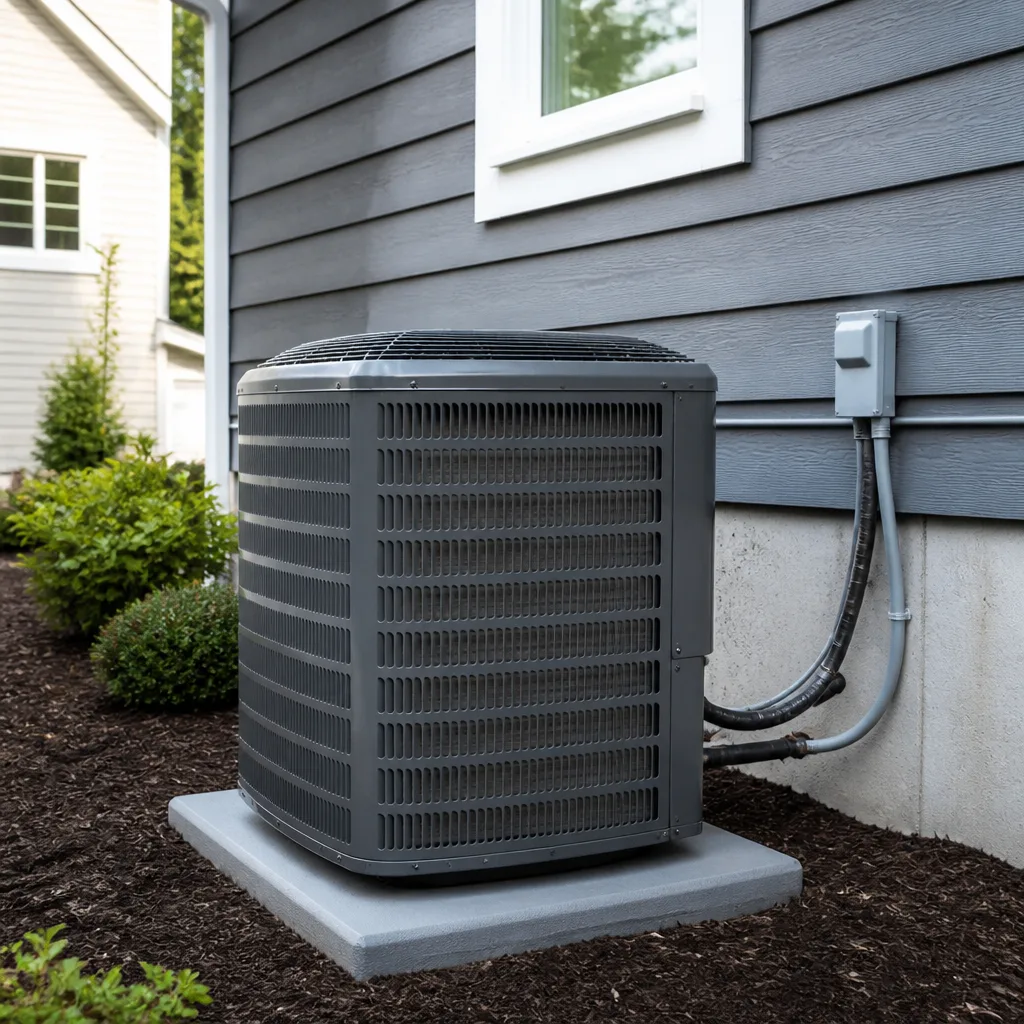 Goodman
Seasonal tune-up and full diagnostic on your Carrier, Trane, or Goodman system - readings shown to you before any repair is proposed
Diagnosis first, numbers second - you approve the repair price before a single part goes in.
Get your free estimateAC Repair Troubleshooting in Enterprise: Common Problems and How to Fix Them
A system that won’t cool on a 108°F afternoon isn’t always broken. In the desert heat of Enterprise, many AC systems run flat out for hours and simply hit their capacity ceiling – the machine is working exactly as designed and still can’t pull the house below 82°F. From inside the house that looks identical to a refrigerant leak or a failing compressor, and the two problems need completely different responses. This guide maps the five most common cooling complaints in Enterprise to their likely causes, shows you which checks are safe to do yourself, and explains what to note before a technician arrives so the diagnostic visit is faster and cheaper.
Quick Answer
Most AC problems in Enterprise fall into one of five groups: warm air from the vents, short cycling, ice on the indoor or outdoor unit, water leaks, and a system with no power at all. Warm air during a heat wave is often a capacity issue or a dirty filter rather than a refrigerant failure, while ice and water leaks usually point to airflow or drainage problems that need a technician. Only basic checks are safe for homeowners – filters, thermostat settings, breakers, and outdoor clearances. Leave refrigerant, electrical components, and compressor work to a licensed HVAC professional.
Styles & brands we work with
- AC repair
- Furnace & heating
- Heat pumps
- Ductless mini splits
- Carrier
- Trane
- Goodman
Table of Contents
- The Capacity Ceiling: Is Your System Overwhelmed or Actually Failing?
- Warm Air From the Vents: What It Usually Means
- Short Cycling: When the System Starts and Stops Too Often
- Ice on the Unit: Why It Forms and Why It’s Serious
- Water Leaks and Drain Problems
- No Power: Breakers, Thermostats, and Safety Switches
- Safe Checks You Can Do vs. What to Leave Alone
- What to Document Before the Technician Arrives
The Capacity Ceiling: Is Your System Overwhelmed or Actually Failing?
Every air conditioner is sized for a specific cooling load, and when outdoor temperatures sit near or above 108°F, many systems reach the top of their rated range. At that point the unit keeps running, keeps using power, and still can’t hold the indoor temperature you set. This is a capacity ceiling, not a breakdown. The compressor is doing its job; there simply isn’t enough capacity left to overcome the heat gain through walls, windows, and attic.
A refrigerant leak, by contrast, produces a different pattern. The system loses cooling ability gradually, the indoor coil may freeze, and the vents often blow air that’s only slightly cool even in milder weather. Without gauges you can’t measure refrigerant pressure, but you can watch for the behavioral differences between these two scenarios:
- Capacity ceiling: the system cools well in the morning and early evening, struggles only during the hottest afternoon hours, and recovers overnight. Outdoor unit runs continuously without shutting off.
- Refrigerant loss: cooling drops off across the whole day, return air and supply air feel barely different, ice may appear on the indoor coil or the large copper line, and the system may struggle even on cooler days.
- Airflow restriction: vents feel weak across the house, rooms far from the air handler are noticeably warmer, and the filter may be visibly loaded with dust.
In our experience, a lot of “my AC isn’t working” calls in Enterprise turn out to be one of the last two categories rather than the first. A clogged filter or a failing blower motor can look like a refrigerant problem from inside the house. Insulation and window shading also matter a great deal here, since a west-facing wall in Enterprise absorbs a lot of afternoon sun. Before assuming the worst, run these quick checks:
- Hold a thermometer at a supply vent for a few minutes and compare it to the room temperature. A drop of 15 to 20 degrees is a working system at the ceiling; a drop of 5 degrees or less suggests something is wrong.
- Check the filter. A dusty filter in Enterprise is normal after a few weeks during windy spring weather and dust storms; a fully loaded filter throws off everything downstream.
- Note the time of day the problem appears. Afternoon-only struggles point toward capacity; all-day struggles point toward refrigerant or airflow.
- Look and listen at the outdoor unit. If the compressor is running but the fan isn’t, or the fan is running but the compressor isn’t, that’s a specific fault a technician needs to trace.
If you’ve done these checks and the pattern still looks like capacity, the fix may be a load calculation, a larger system, or better insulation rather than a repair. If it looks like refrigerant loss, an AC repair visit with manifold gauges is the next step.
Warm Air From the Vents: What It Usually Means
Warm or room-temperature air from the vents is the most common complaint we get, and it covers a wide range of causes. The most frequent is simple airflow: a dirty filter, a closed damper, a blocked return, or a blower that’s running slower than it should. The least common but most expensive cause is a failing compressor. In between sit refrigerant charge issues, failed capacitors, and thermostat problems.
Here’s how to narrow it down before you pick up the phone:
- Check the thermostat mode. Confirm it’s set to Cool and the fan is on Auto. A thermostat whose batteries have died or whose schedule has reset can leave the fan running without ever calling for cooling.
- Replace or clean the filter. If you can’t see light through it, it’s overdue. In Enterprise, dust and wind-driven grit load filters faster than in humid climates.
- Check the outdoor unit. It should be running when the indoor fan is on in cooling mode. If it’s silent, the issue may be a tripped breaker, a blown capacitor, or a low-pressure switch that has opened.
- Feel the large insulated copper line at the outdoor unit. If it’s cold and sweating, the system has refrigerant and is cooling. If it’s warm or room temperature, refrigerant or compressor trouble is more likely.
- Walk the house and feel every vent. Weak airflow across all vents points to a blower or duct problem; weak airflow at one or two vents points to a duct or damper issue on that branch.
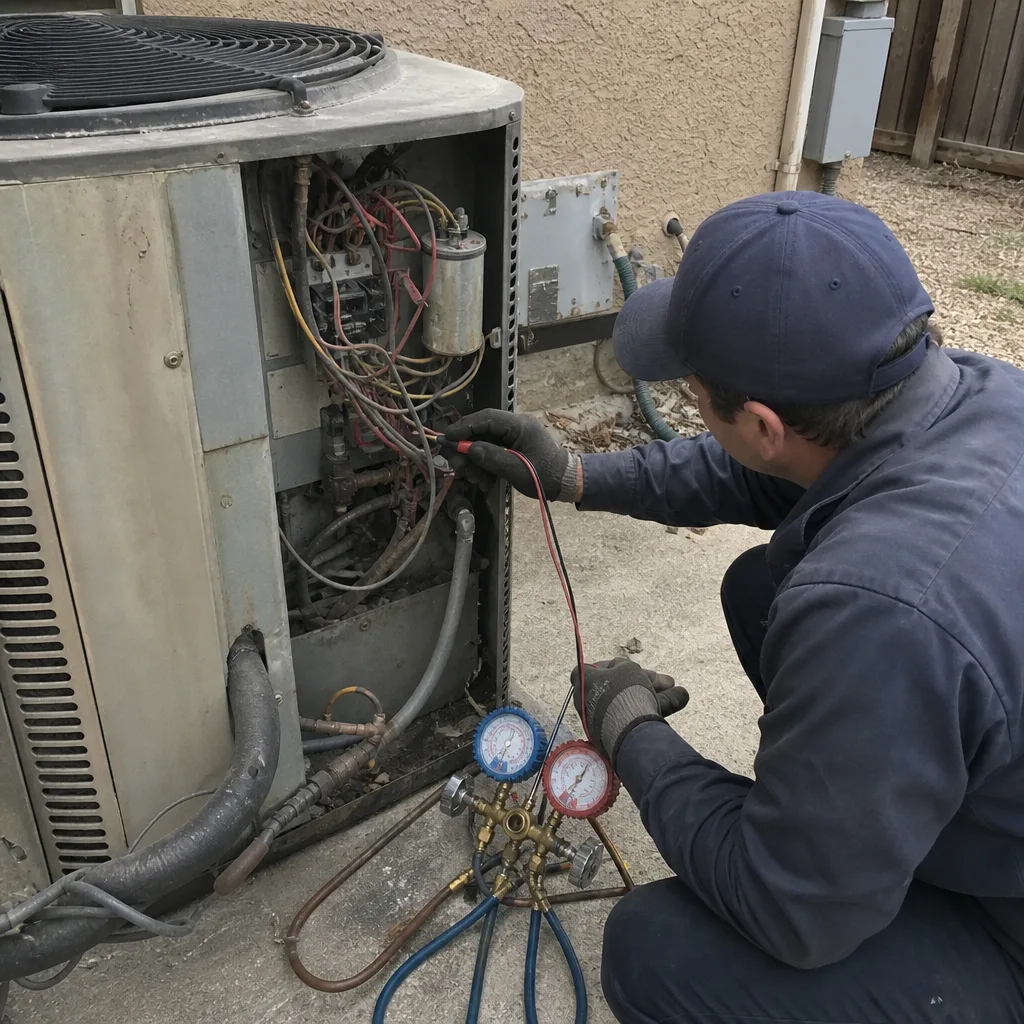
If a simple filter change and thermostat reset don’t restore cold air, stop and call. A licensed technician will check refrigerant pressures, capacitor readings under load, and compressor amp draw – three measurements that together identify the true fault. Guessing at these without gauges and a meter is how homeowners end up replacing the wrong part.
Short Cycling: When the System Starts and Stops Too Often
Short cycling is a pattern, not a single event: the system runs for a few minutes, cuts off, and comes back on shortly after, repeating many times an hour. It matters because every start is the hardest moment in a compressor’s life. Frequent starts raise current draw, stress the windings, and push the system toward a premature failure. In Enterprise, short cycling often shows up as a system that cools reasonably well but runs in choppy bursts through the afternoon.
The most common causes:
- Oversized system. A unit too large for the house cools the air quickly, satisfies the thermostat, then shuts off before it has run long enough to remove humidity or stabilize. If the system was installed before you bought the home, this is worth checking with a load calculation.
- Failing capacitor. A weak run or start capacitor can cause the compressor or fan to hesitate, trip on overload, and restart – a classic short cycle.
- Thermostat placement or calibration. A thermostat near a supply vent or in direct sun reads a false temperature and cycles the system based on bad information.
- Refrigerant overcharge or undercharge. Either condition can push a pressure switch to open, which stops the compressor until the pressure recovers.
- Dirty filter or restricted coil. Airflow starvation raises coil temperature and can trip a safety switch on the indoor unit.
If you hear the outdoor unit starting and stopping every few minutes, don’t keep resetting the breaker to force it back on – a system that’s tripping repeatedly may have a real electrical or compressor fault. Write down how long it runs, how long it stays off, and what the thermostat shows, and hand that to the technician. We work on the brand you already have, whether that’s a York, a Lennox, or a Rheem, so the diagnosis follows the equipment in your home rather than any particular product line.
Ice on the Unit: Why It Forms and Why It’s Serious
Ice on an air conditioner sounds contradictory in a desert, but it’s surprisingly common in Enterprise. Ice forms on the indoor coil or on the suction line when the coil temperature drops below freezing. That happens for one of two reasons: not enough air moving across the coil, or not enough refrigerant in the coil. Both cause problems if left unaddressed.
Low airflow is by far the more common cause. A dirty filter, a failing blower, a collapsed duct, or a closed return vent can all starve the coil of warm air, letting the coil surface drop below the dew point and then below freezing. Low refrigerant is the second cause: the system is undercharged or has a leak, so the remaining refrigerant expands too far and drops the coil temperature too low.
What to do, and what not to do:
- Shut the system off at the thermostat. Running a frozen system risks liquid refrigerant returning to the compressor, which can cause serious damage.
- Do not chip at the ice. The coil is thin-wall copper or aluminum and will puncture easily, releasing refrigerant into the air and turning a repair into a much larger job.
- Do not remove the indoor panel. Beyond the electrical hazard, opening the coil cabinet on a system under warranty can complicate the warranty claim.
- Let the ice melt on its own – an hour or two with the system off is usually enough in a warm home.
- Change the filter while you wait, since a dirty filter is the most likely cause.
- Know the signs of refrigerant release: a sudden hissing sound, oily residue on the copper line, or the system still icing after a filter change.
If the system ices over again after a filter change, call for a technician. Refrigerant work is regulated in Nevada and requires EPA certification, so it’s not something to handle at home. A licensed AC repair visit will identify whether the cause is airflow, charge, or both, and fix it correctly the first time.
Water Leaks and Drain Problems
Air conditioners pull moisture out of the air, and in Enterprise the system still condenses water even in a dry climate – often a surprising amount during monsoon season when humidity climbs. That condensation collects in an indoor drain pan, runs through a condensate line to the outside, and disappears. When water leaks appear around the indoor unit, one link in that chain has failed.
The most common drainage problems:
- Clogged condensate drain line. Dust, algae, and debris build up inside the line and block flow. Water backs up into the pan and then overflows.
- Failed condensate pump. Some installations use a small pump to move water to a drain. When the pump fails, the pan overflows.
- Frozen coil melting. If the system iced up and then thawed, water can overflow the pan faster than it drains.
- Cracked drain pan. Plastic pans become brittle with age and can develop cracks.
- Backed-up secondary drain or safety switch tripped. Many systems have a float switch that shuts the unit down when the pan fills; if it trips, the system stops cooling and water may still be present.
Water near electrical components is the reason to act quickly rather than wait. If your system is dripping and you can see water pooling near the indoor air handler, shut it off at the thermostat and clear the area. A technician can clear the line, check the pan, and diagnose any secondary cause in a single visit. Ignoring a small drip is one of the more expensive mistakes homeowners make, because the damage it causes to drywall and framing usually costs more than the drain repair itself.
No Power: Breakers, Thermostats, and Safety Switches
A system that’s completely dead is easier to troubleshoot than one that cools poorly, because the failure is binary. The most common causes are a tripped breaker, a dead thermostat, a tripped high-pressure or float switch, or a failed contactor. Most of these are safe to check without opening any panels; some are not.
Safe checks in order:
- Check the thermostat display. A blank screen usually means dead batteries or a tripped low-voltage breaker on the air handler.
- Check the indoor and outdoor breakers in your electrical panel. If one is tripped, reset it once and observe. A breaker that trips again immediately is a signal to stop and call.
- Check for a tripped float switch. If the condensate pan is full, some systems shut down automatically. Clearing the drain and resetting the switch restores operation once the water is gone.
- Check the outdoor disconnect. Many outdoor units have a pull-out disconnect that can be pulled or partially dislodged.
There is one hard rule about electrical checks: do not open the outdoor unit’s electrical panel or the indoor air handler cabinet. Capacitors can hold a dangerous charge long after power is off, and contactors and wiring inside those panels are live whenever the breaker is on. If the breaker resets cleanly and the thermostat is fine but the system is still dead, a licensed technician needs to test the contactor, transformer, and low-voltage circuit with a meter. That’s the point where a call makes more sense than another reset attempt.
Safe Checks You Can Do vs. What to Leave Alone
Knowing which checks are safe is the single biggest thing homeowners can bring to an HVAC service call. It saves time, protects your warranty, and keeps you out of the way of things that can hurt you.
Safe for homeowners:
- Replacing or cleaning the air filter
- Adjusting the thermostat, changing batteries, and checking settings
- Resetting a tripped breaker once
- Checking that supply and return vents are open and unobstructed
- Clearing dust and debris from the outdoor unit’s fins with a garden hose on low pressure (power off at the breaker first)
- Checking for visible ice, water leaks, or unusual noises
Leave to a licensed technician:
- Refrigerant checks, charging, and leak repair – federal law requires EPA certification
- Opening the outdoor unit’s electrical panel or the indoor air handler cabinet
- Capacitor, contactor, and compressor testing
- Diagnosing a repeatedly tripping breaker or blown fuse
- Any panel or wiring work related to the HVAC circuit
- Coil cleaning that requires opening the coil cabinet
There’s a warranty angle here too. Many manufacturers, including the brands we work on, tie their parts warranty to service performed by licensed technicians. Diy repair attempts that leave a paper trail of opened panels can complicate a claim. When in doubt, note what you’ve checked and leave the rest to the professional.
What to Document Before the Technician Arrives
The best way to shorten a diagnostic visit is to arrive at the appointment with specific information. A technician who knows the symptom pattern, the timing, and the sound can often skip straight to the right meter reading instead of hunting through every circuit. In our experience, well-documented calls run noticeably faster than vague ones.
Here’s exactly what to write down or photograph before you call:
- Supply and return temperatures. Measure at the closest vent to the air handler with a simple thermometer. Note the room temperature, the vent temperature, and the time of day.
- Cycle times. How long does the system run before it shuts off, and how long does it stay off? “Runs 4 minutes, off 3 minutes, all afternoon” is more useful than “keeps turning on and off.”
- Thermostat readings and settings. Note the setpoint, the actual reading, the mode, and the fan setting. A photo of the thermostat screen is fastest.
- Unusual sounds. Clicking, buzzing, rattling, hissing, or grinding – each points toward a different set of components. Note where the sound comes from: indoor, outdoor, or at the thermostat.
- Any odors. A musty smell suggests a wet coil or drain issue; a burning smell is a stop-and-call-now symptom.
- Water, ice, and patterns. Photograph any ice on the lines or panels, and note whether water appears at the indoor unit, on the ceiling below it, or outdoors near the drain line.
- The equipment nameplate. Write down the brand and model number of the outdoor unit and air handler. This lets the technician bring the correct service information, especially across brands like Goodman, York, Rheem, and Lennox that use different control layouts.
That list isn’t busywork. Every item maps to at least one diagnosis, and it lets the technician decide in advance whether the visit is a refrigerant, airflow, electrical, or control problem – so the right tools are on hand and the right parts can be matched to your specific equipment.
Common Mistakes to Avoid
- Assuming warm air means low refrigerant. In Enterprise’s desert heat, most warm-air complaints trace back to filters, airflow, or capacity rather than charge. Checking the filter first has saved a lot of service calls.
- Chipping ice off the coil. The coil tubing is easy to puncture and refrigerant is a regulated substance. Let the ice melt with the system off and call a technician if it returns.
- Resetting the breaker repeatedly. A breaker that trips more than once is signaling a real electrical fault. Multiple resets put the compressor at risk, and the third or fourth attempt is where damage often happens.
- Ignoring a small water drip. A drip today becomes stained drywall and framing damage within a season. A drain line cleaning is far less expensive than repairing the ceiling below the air handler.
- Buying a “quick fix” chemical online before diagnosis. Additives poured into a system can void warranties and don’t address the actual cause. No product replaces a pressure reading.
- Skipping the filter change after a dust storm. Enterprise gets wind-driven dust that loads filters quickly. A filter that would normally last a few weeks may need replacement sooner when a storm rolls through.
- Calling a general handyman instead of an HVAC specialist. Refrigerant, compressor, and control work require specific training and licensing. A generalist performing HVAC repairs can leave problems that later cost much more to correct.
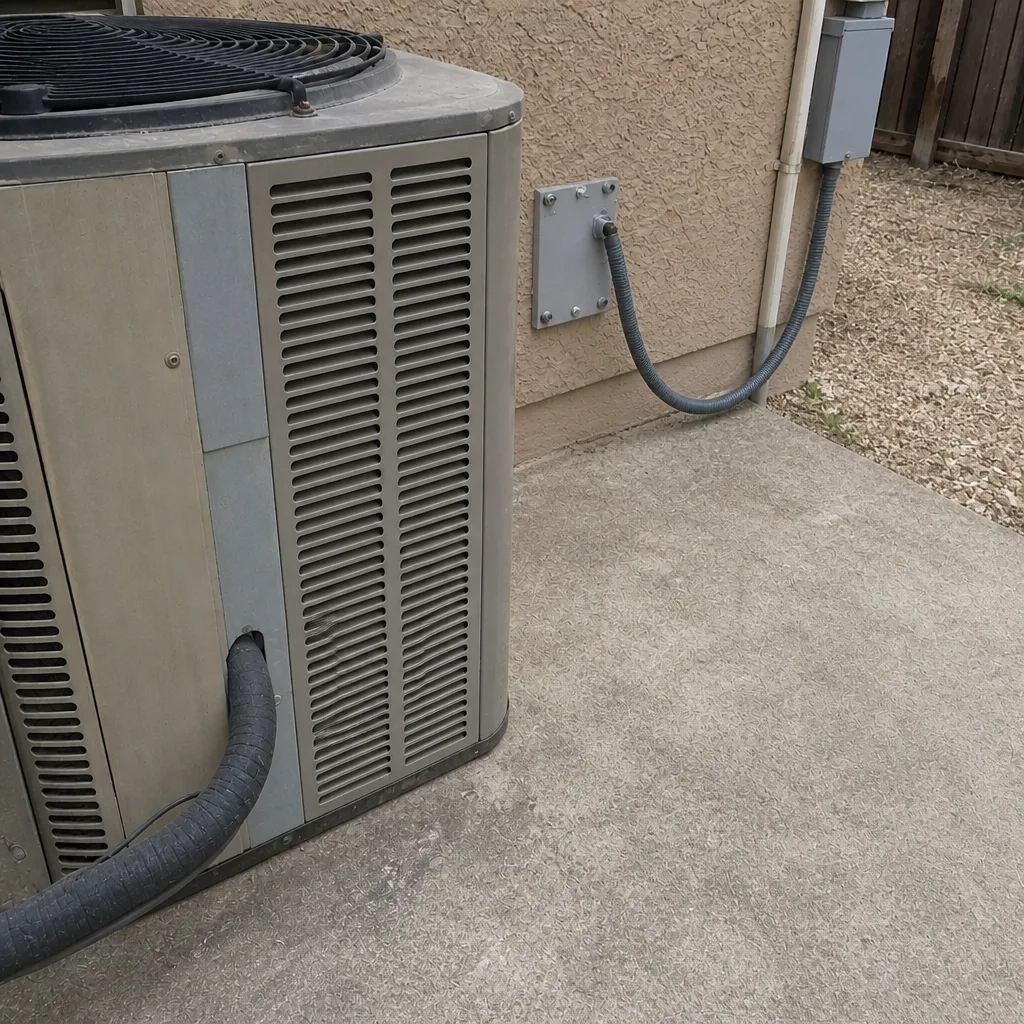
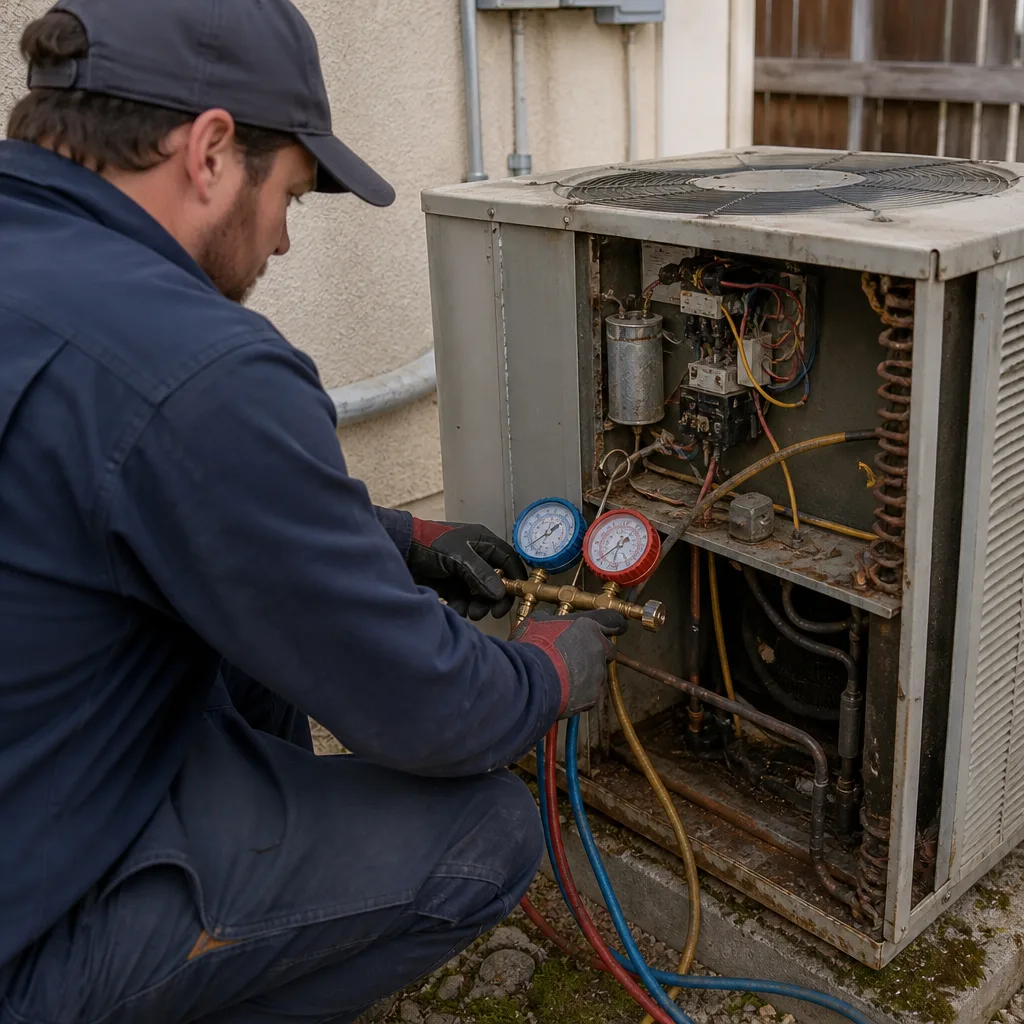
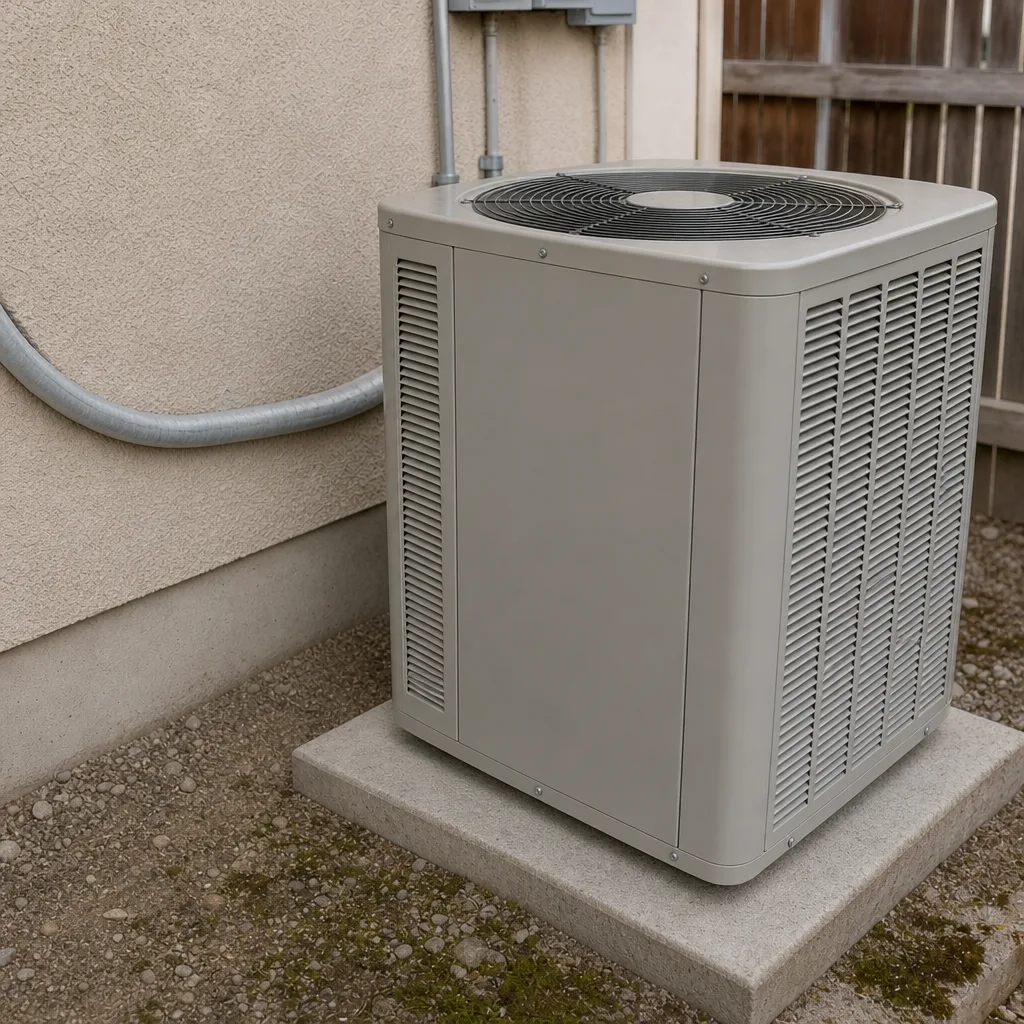
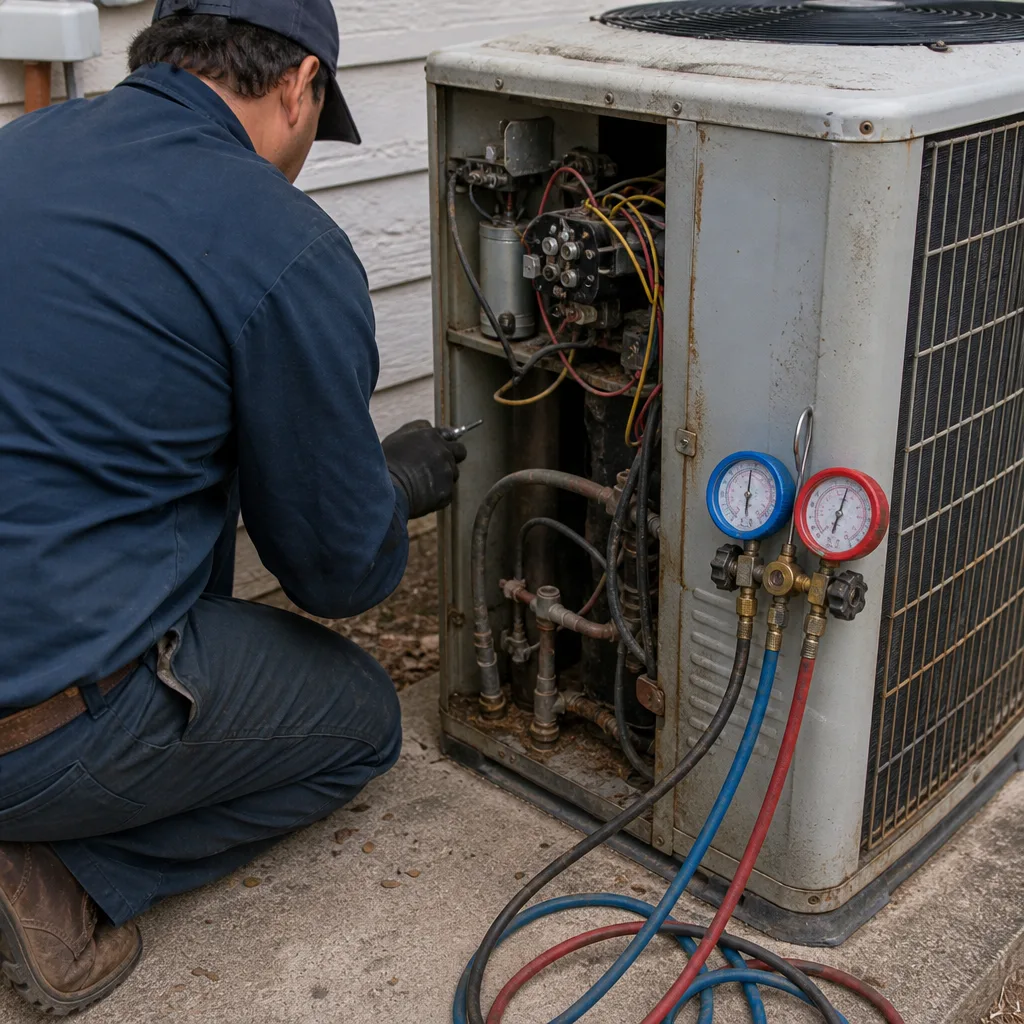
See the difference
 Before
 After
 Before
 After
 Before
 After
When to Call a Professional
Call a licensed HVAC technician when you see ice that returns after a filter change, water pooling near the indoor unit, a breaker that trips more than once, a system that runs and shuts off every few minutes, or any burning smell from the equipment or vents. Call immediately if you hear repeated clicking or grinding from the compressor or smell hot insulation near the outdoor unit. If the system simply cools poorly during afternoon heat but works in the morning, you have more time – call and describe the pattern, and document the cycle times we listed above. AC Repair Enterprise offers free estimates in Enterprise. Call (833) 632-6348. We answer 24/7, fast dispatch from 7am to 7pm, Sunday through Friday. Our technicians have up to 12 years of experience across nine major HVAC brands, and repairs are assessed before any replacement conversation starts.
Frequently Asked Questions
Not necessarily. When outdoor temperatures push past 108°F, many correctly working systems reach their capacity ceiling and can’t hold the temperature you set. The pattern that suggests a real fault is one where the system also struggles in mild weather, forms ice on the coil, or shows no temperature drop between return and supply air. Hold a thermometer at a supply vent for a few minutes – a 15- to 20-degree drop is a healthy system working hard. Call (833) 632-6348 for an exact diagnosis if you’re unsure which side of that line you’re on – estimates are free.
No. Refrigerant handling is regulated under federal law and requires EPA Section 608 certification, which covers the safe recovery, handling, and charging of refrigerant in residential systems. Beyond the legal issue, adding refrigerant without gauges can overcharge the system and damage the compressor. A licensed technician uses manifold gauges and superheat or subcooling readings to charge accurately. Call (833) 632-6348 to book a licensed AC repair visit – estimates are free.
Ice forms because the indoor coil drops below freezing, either from restricted airflow or from low refrigerant charge – not because the outside air is humid. In Enterprise, filters load quickly with dust, and a loaded filter is the single most common reason a coil ices over. Shut the system down, let it melt, change the filter, and if the ice returns, call for service. Ice always means something is off. Call (833) 632-6348 for a free estimate.
Not if the noise repeats every time the system starts. Repeated buzzing or clicking usually points to a failing contactor, capacitor, or compressor – three components where continued operation can turn a small repair into a much larger one. Shut the system off at the thermostat and call. A sudden loud click followed by no cooling typically means the compressor is trying to start and failing. Call (833) 632-6348 and describe the sound and how often it repeats – estimates are free.
Repair cost depends on the specific fault: a clogged condensate line, a failed capacitor, a blower motor, or a refrigerant leak each price out differently. We give a written estimate before work begins, and the written estimate sets the final price – the diagnostic assessment is free, and no work starts without your approval. If the fault requires parts, the estimate will list them by name. Call (833) 632-6348 for a free estimate and a clear scope of work.
Repair is worth considering first when the system has no history of repeated failures, the compressor and coils are in good condition, and the repair cost is a small fraction of replacement. Replacement becomes the more reasonable path when the compressor fails, the coils are leaking repeatedly, or the system is clearly undersized for the home’s cooling load in Enterprise. Our technicians assess repair viability on the equipment in your home before steering toward replacement – recommendations follow the equipment, not a preferred brand. Call (833) 632-6348 for a free estimate.
The Bottom Line
Most AC problems in Enterprise fall into five recognizable patterns: warm air, short cycling, ice, water leaks, and no power. Each pattern points toward a specific set of causes, and the fastest way to a correct repair is to note the symptom, the timing, and the equipment details before the technician arrives. Capacity ceilings in 108°F afternoon heat look like refrigerant failures from inside the house but behave very differently – the system recovers in cooler weather and struggles only at the peak hours. Safe homeowner checks stop at the filter, thermostat, breaker, and outdoor clearance; everything beyond that should be handled by a licensed HVAC technician. If your system is showing any red-flag symptom – returning ice, repeated breaker trips, water near electrical components – shut it down and call. For straightforward repair or a load-based AC installation recommendation, we’re happy to help.
Contact
You don’t have to guess your way through an AC problem. Whether the system is blowing warm, icing over, cycling too often, or leaking water, describe what you’re seeing and we’ll tell you what it likely means and what the next step looks like. We work on the brand you already have – Carrier, Trane, Lennox, Goodman, Rheem, York, Daikin, Bryant, and American Standard – so the diagnosis follows your equipment, not a preferred product line. Book a visit through AC Repair Enterprise and get an honest repair-first assessment of the system in your home. Need help in the Enterprise area? See the Enterprise service area page for what we cover. Call (833) 632-6348 for a free estimate. We answer 24/7. Fast dispatch from 7am to 7pm, Sunday through Friday.
Written by the team at AC Repair Enterprise.