
Last updated November 15, 2026
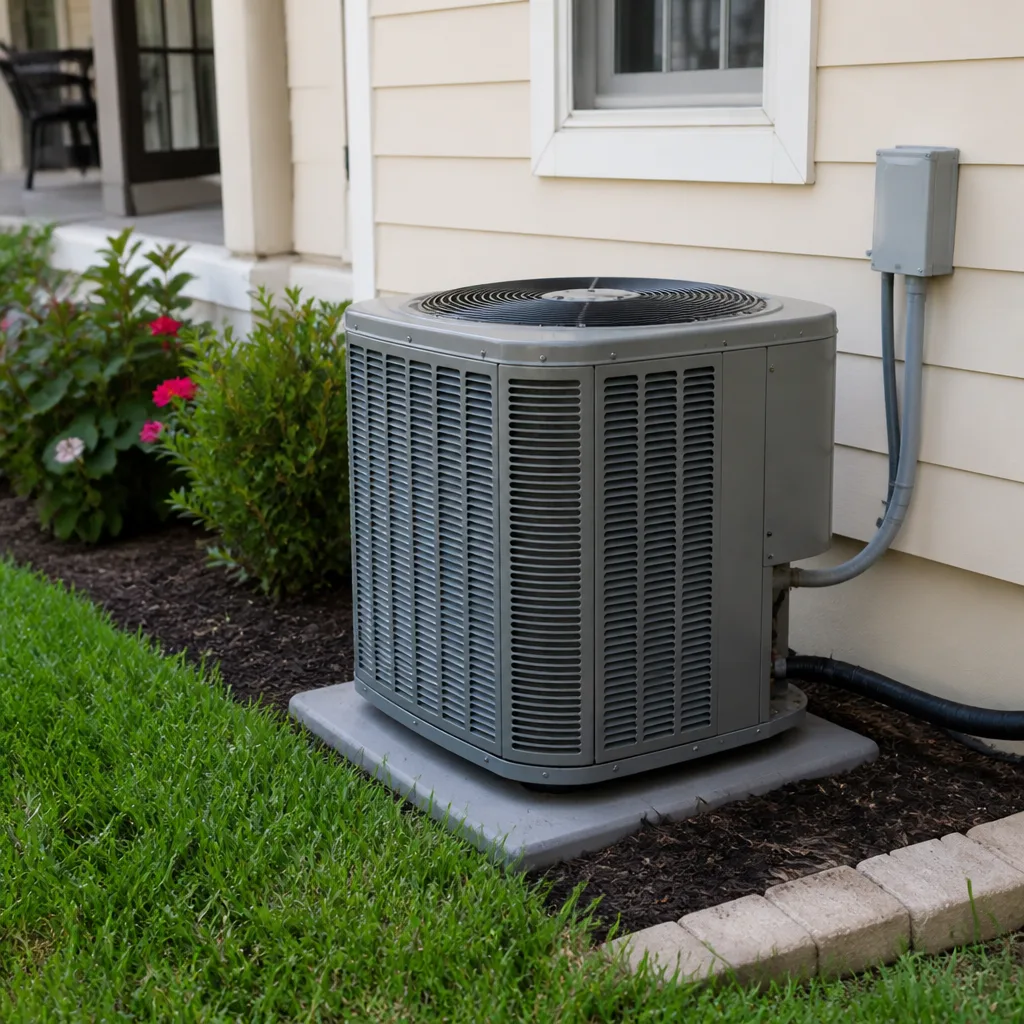 AC repair
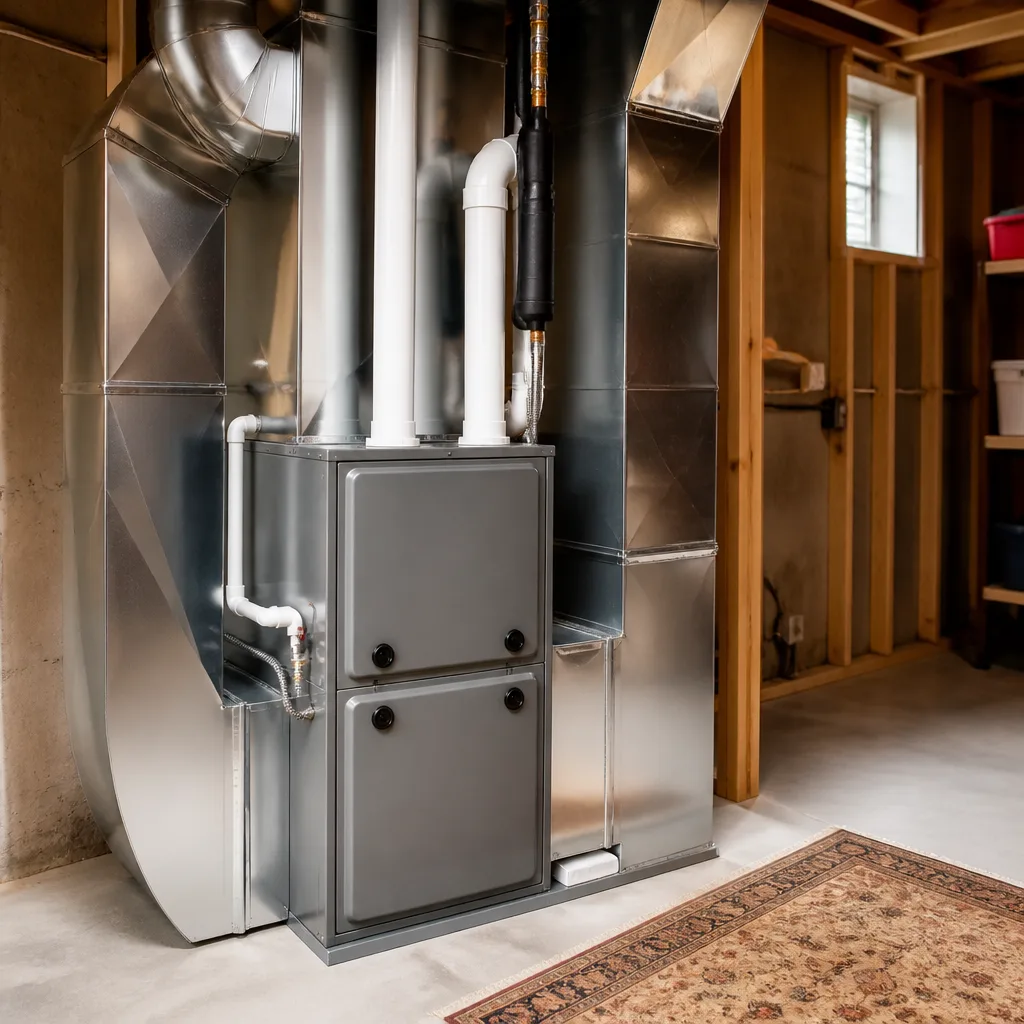 Furnace & heating
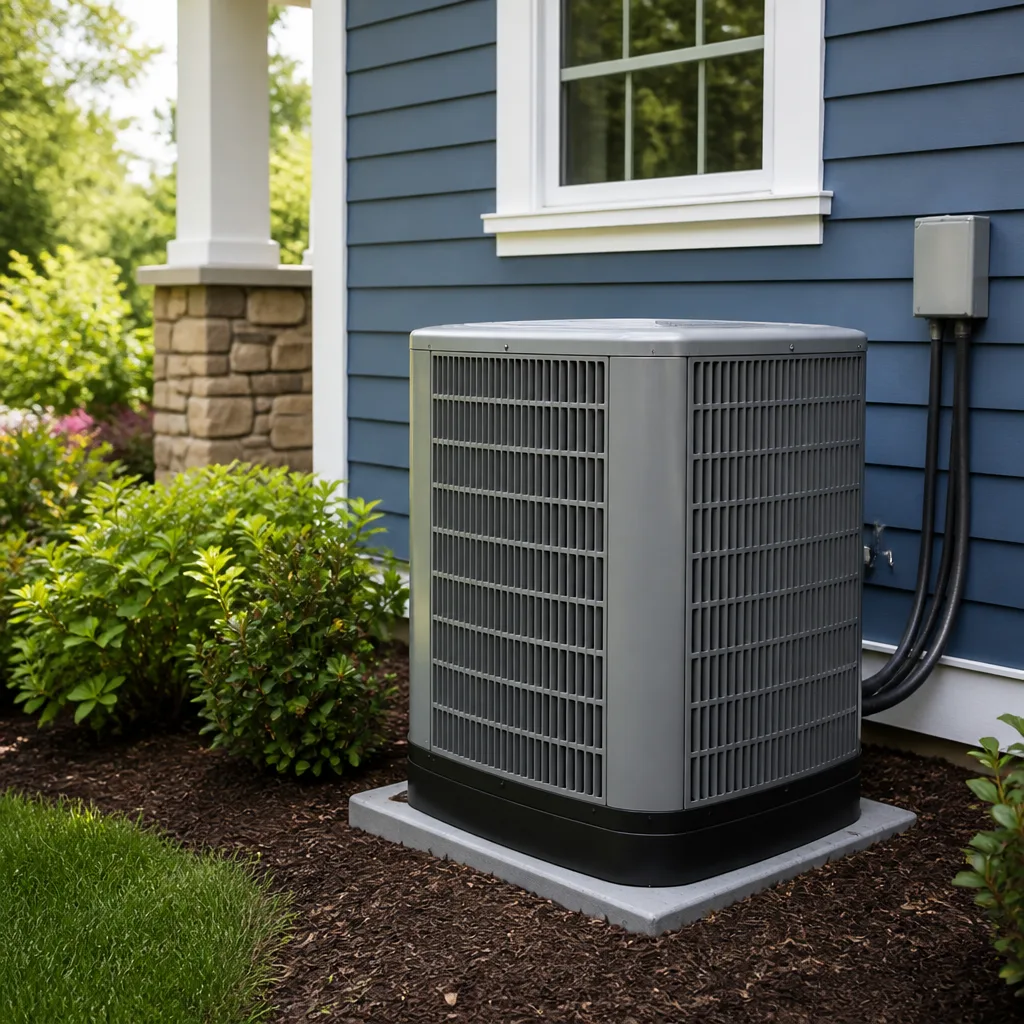 Heat pumps
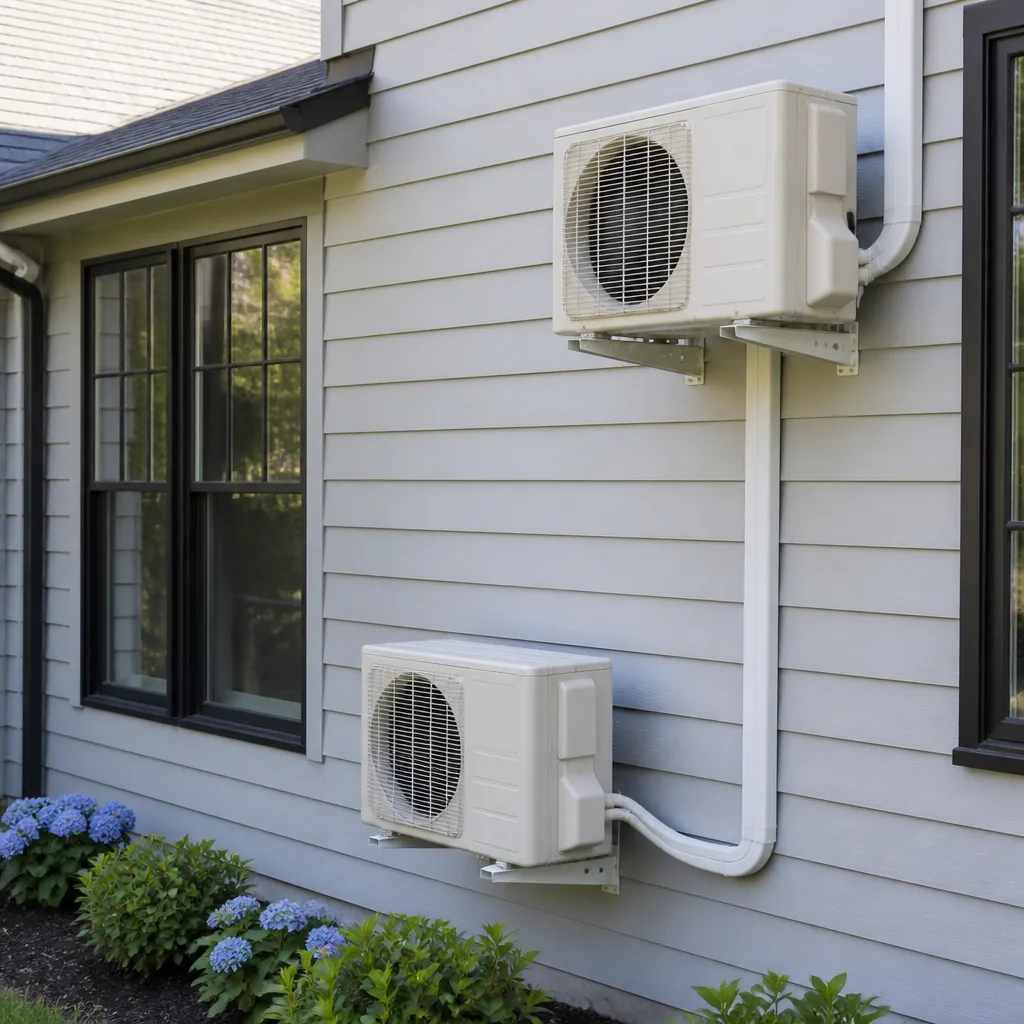 Ductless mini splits
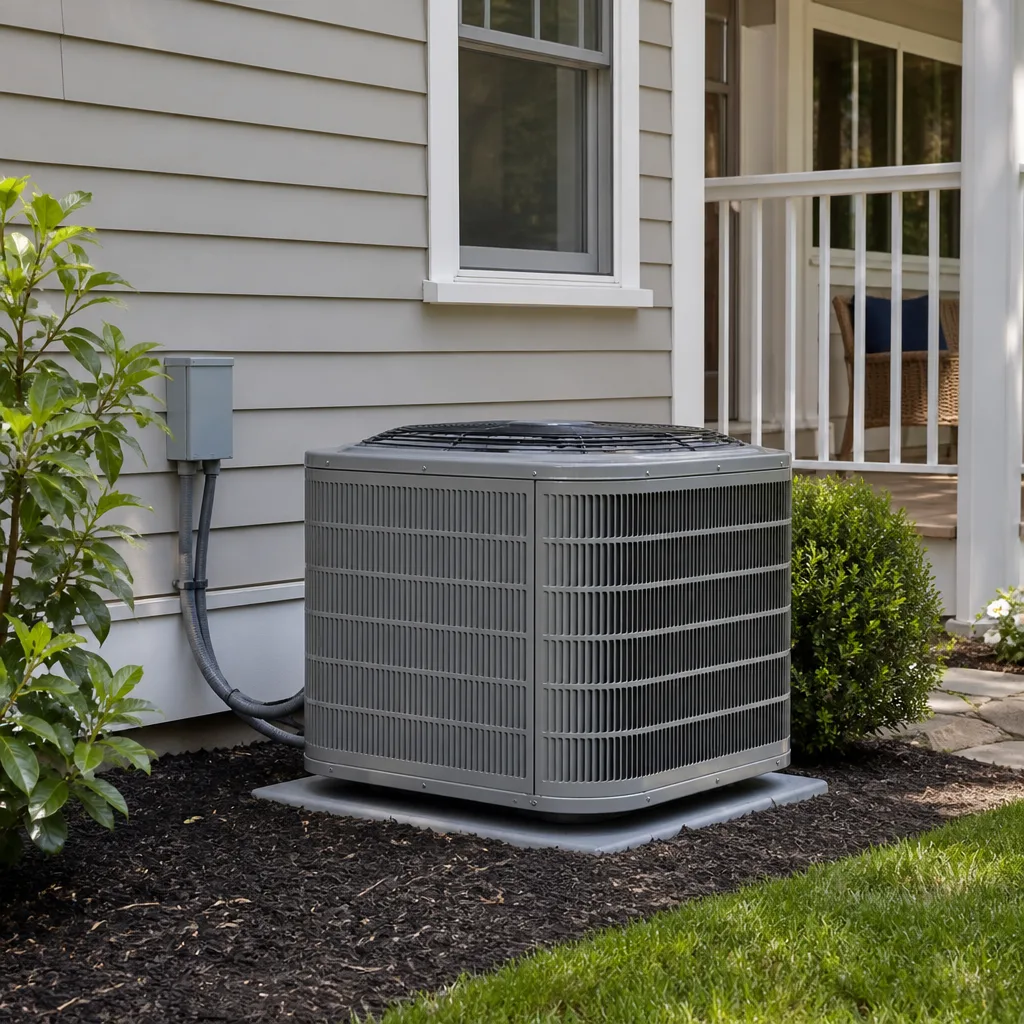 Carrier
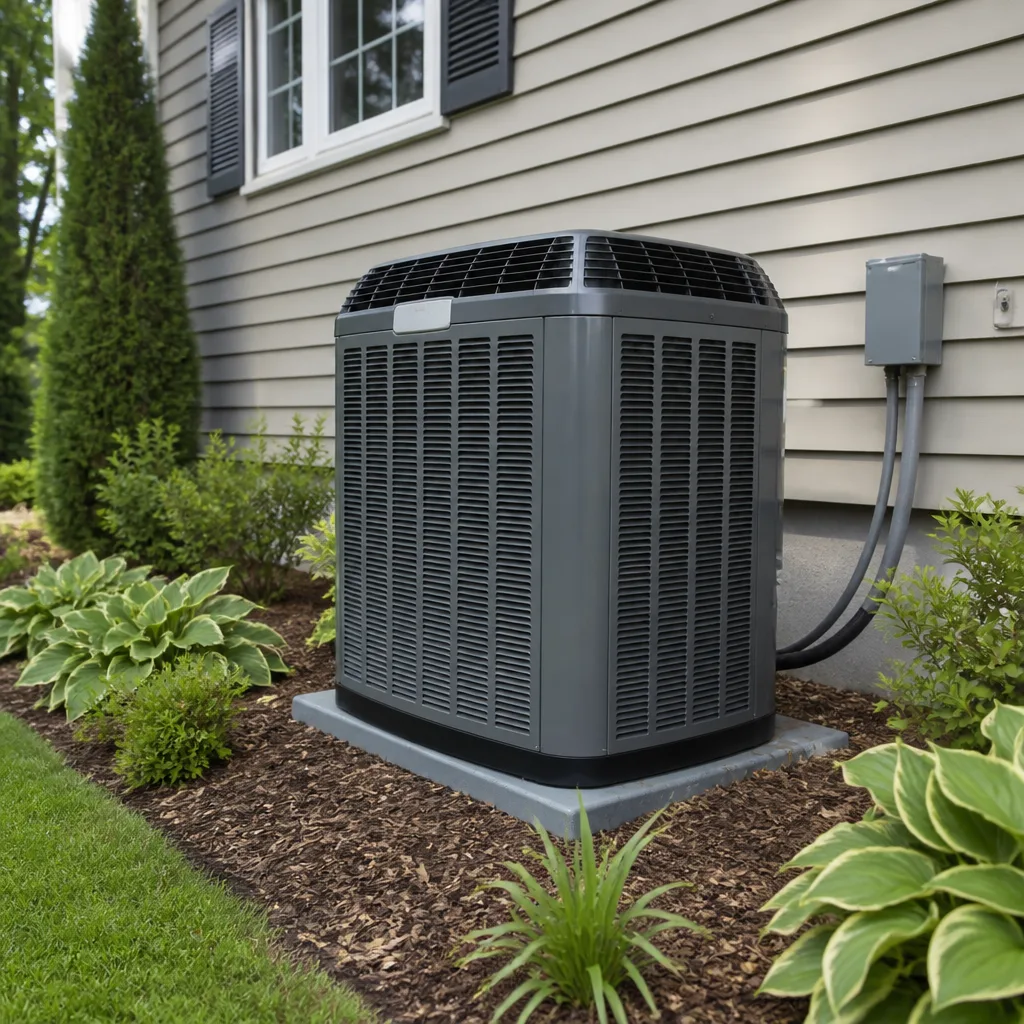 Trane
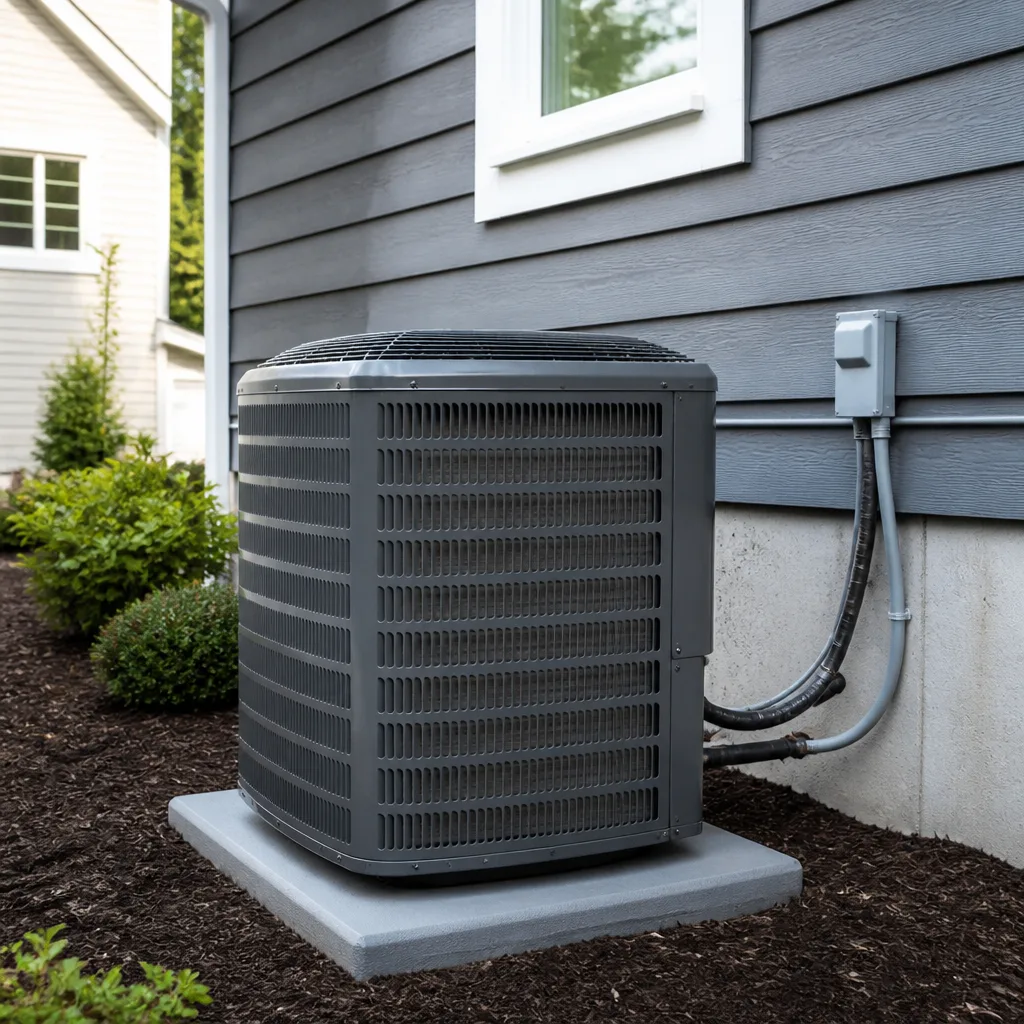 Goodman
Seasonal tune-up and full diagnostic on your Carrier, Trane, or Goodman system - readings shown to you before any repair is proposed
Diagnosis first, numbers second - you approve the repair price before a single part goes in.
Get your free estimateHVAC Warning Signs: An Enterprise Homeowner’s Reference Guide
Most HVAC warning-sign guides focus on failures you can’t miss: the system won’t turn on, the compressor is screaming, or the house won’t hold temperature at all. That’s the wrong end of the timeline. In the high desert, the failure that strands you on a 110°F afternoon is usually visible first as something much quieter – the system running a little longer than it used to, one room sitting warmer than the rest, or a breaker that has tripped twice this season. Those signs show up weeks in advance of a hard breakdown. This guide is written from Enterprise, where that early window matters more than anywhere. We’ll show you what to look for, how to measure it, and how to describe it so a technician arrives already knowing what’s likely wrong.
Quick Answer
The main warning signs of an HVAC problem in Enterprise are runtime creep (the system running longer for the same cooling), a widening temperature split between supply and return air, breaker trips and buzzing at the outdoor unit, uneven cooling and hot spots around ducts and registers, and a change in the sound profile at startup. In our experience, most of these appear three to six weeks before the system actually fails. Tracking them gives you time to book a repair before the first heat wave fills every technician’s schedule.
Styles & brands we work with
- AC repair
- Furnace & heating
- Heat pumps
- Ductless mini splits
- Carrier
- Trane
- Goodman
Table of Contents
- Runtime Creep: The Leading Indicator Most Homeowners Miss
- Temperature Split: Refrigerant Migration vs. a True Leak
- Electrical Warning Signs in Older Enterprise Homes
- How to Use an Infrared Thermometer to Catch Duct Failures
- Sound Profiles: Capacitor, Bearing, or Refrigerant Slugging
- Why High-Desert Conditions Stress HVAC Systems Differently
- Repair or Replace: How to Read the Signs Honestly
- The Three Checks Worth Doing Before Summer
Runtime Creep: The Leading Indicator Most Homeowners Miss
Runtime creep is the slow increase in how long your system runs to reach and hold a set temperature. It’s the single most useful early warning sign, and it’s the one homeowners dismiss the longest because nothing is technically broken yet. A system that used to reach 76°F in twenty minutes and now takes thirty-five isn’t broken. It’s telling you something in the loop has degraded.
You don’t need a diagnostic tool to track this. You need a note and two weeks of consistency.
- Pick a reference point. Choose one indoor temperature, one outdoor condition roughly similar day to day, and one time of day. Late afternoon works well in Enterprise because it lines up with peak heat load.
- Start the clock the moment the thermostat calls for cooling. Note the time. Note the indoor starting temperature.
- Stop the clock when the system reaches setpoint. Note the time again. Write down the total.
- Repeat for ten to fourteen days. Average the totals. Then compare to what you remember from the previous season, or to the earliest week of your tracking.
- Watch the delta. A handful of minutes of drift across a whole season is normal. A consistent increase of five to ten minutes on similar days is a signal worth investigating.
What does the delta mean diagnostically? A longer runtime with a normal temperature split usually points to restricted airflow (dirty filter, failing blower, collapsing duct) or a loss of system capacity. A longer runtime with a shrinking temperature split usually points to refrigerant charge or a restriction in the metering device. A longer runtime with an abnormally large split can point to low load rather than a fault, which is why similar outdoor conditions matter. Runtime creep narrows the diagnosis before anyone opens a panel. Our technicians have up to 12 years of experience, and most will tell you the same thing: a homeowner who tracked runtime for two weeks saves everyone half an hour on the first visit.
Temperature Split: Refrigerant Migration vs. a True Leak
Temperature split is the difference between the air going into your return and the air coming out of a supply register. In Enterprise, that split behaves in ways that catch homeowners off guard, because high-desert nights are genuinely cool even in mid-summer. When the outdoor unit cycles off and the line set cools unevenly, refrigerant can migrate inside the system and briefly pool where it isn’t metering properly. The result looks like a leak but isn’t one.
Here’s how to check split with an infrared thermometer or a probe thermometer:
- Let the system run at least ten minutes before measuring. Readings taken right after startup are noise.
- Measure return air at the filter grille, not in the middle of a room.
- Measure supply air at a register closest to the air handler, and again at the register furthest away.
- Subtract supply from return. That’s your split.
A healthy split sits in a wide acceptable band, not one exact number. What matters is whether the split has changed since the system was last serviced and whether it’s stable across a run cycle. A split that starts low at startup and slowly climbs into range as the compressor stabilizes is the classic migration signature. A split that stays low no matter how long the system runs, and keeps dropping over days or weeks, points to an actual refrigerant leak. That distinction matters because one is a diagnostic observation and the other is a repair.
If you suspect a leak, don’t top off the system yourself. Refrigerant handling is regulated, and a proper leak search requires gauges, a leak detector, and training. This is a job for a trained technician, and it’s one reason we lean on brand coverage: whether your system is a Carrier, a Daikin, or a Bryant, the metering behavior and charge specs vary by model, and a technician needs the right documentation to diagnose it accurately. We work on the brand you already have, so the diagnosis fits the actual equipment.
Electrical Warning Signs in Older Enterprise Homes
Many Enterprise homes are older builds with panels, branch circuits, and disconnect setups that were sized for the loads of the period they were built in. Arizona summers push those circuits harder than anything the original installer imagined. Three warning signs at the outdoor unit or the panel deserve attention before peak season.
Breaker trips that repeat. One trip after a power flicker is ordinary. Two or three trips on the same circuit within a few weeks, with no other obvious cause, is a sign the circuit is strained. Repeat trips can come from a failing compressor winding, a failing capacitor that’s forcing a hard start, or a wiring issue at the disconnect. Each points to a different repair.
Buzzing or humming at the outdoor unit that doesn’t resolve within a few seconds of startup. A healthy contactor pulls in and settles. A contactor that buzzes and holds is stuck, worn, or chattering on a weak control voltage. That chattering can shorten the life of the compressor by forcing repeated short cycling.
Capacitor strain indicators. A failing run capacitor shows up as slow starts, a unit that takes longer to spin up, a compressor that stumbles on startup, or a fan that lags. In a high-heat climate, capacitors are under constant load and are one of the most common pre-failure parts. Catching one before it cooks a compressor is the difference between a small repair and a large one.
Electrical work on HVAC circuits is genuinely dangerous. A capacitor can hold a lethal charge after the disconnect is open. If you see scorch marks, smell hot insulation, or hear buzzing that doesn’t settle, stop calling for cooling and call a technician. Our AC repair team in Enterprise is trained to isolate the circuit and diagnose the electrical side of the system safely. Let’s be clear about our limits here: we diagnose the system, we don’t inspect your panel for whole-house code issues. If a panel itself is the problem, that’s an electrician’s call.
How to Use an Infrared Thermometer to Catch Duct Failures
An inexpensive infrared thermometer is one of the most useful homeowner tools for HVAC diagnostics, and it costs less than a tank of gas. Point it at the right surfaces and it tells you exactly where cooling is being lost, where ducts are leaking, and where hot spots are forming before they turn into a room that never gets comfortable.
Here’s a simple scan routine:
- Scan every supply register. Aim at the grille face. Note any register that reads substantially warmer than the ones nearby while the system is running.
- Scan the ceiling around the register. A ceiling that’s warmer than the surrounding ceiling within a foot or two of the duct run is a sign of a leaking or disconnected duct above.
- Scan the air handler closet or platform. Condensate staining, condensation dripping, or an air handler box that’s warmer than it should be points to a return-side leak or a filter that’s pulling in bypass air.
- Scan south- and west-facing exterior walls in late afternoon. A wall that reads unusually hot is telling you where the house is fighting the most load. If a room with that wall is always the warmest room in the house, the issue may be envelope load, not a duct problem.
- Compare readings across the season. Take the same scans in early summer and late summer. A register that starts measuring like its neighbors and ends summer measurably warmer is a duct that’s failing, not a house that’s getting warmer.
Radiant gain on south- and west-facing walls is a real load factor in Enterprise homes, and it’s easy to misdiagnose as an HVAC problem. A room that’s consistently two or three degrees warmer feels like a cooling issue, but the fix may be duct balancing, register adjustment, or shading, not a repair. The thermometer helps you sort that out before you call.
For homeowners replacing a system or reassessing after a duct scan, the honest ordering matters. Ducts first, then equipment. A new system pushing air through a failing duct network will underperform every day of its life. That conversation is the right one to have with a technician doing AC installation in an Enterprise home.
Sound Profiles: Capacitor, Bearing, or Refrigerant Slugging
Your ears are a diagnostic instrument. The type of sound from the outdoor unit – not just its volume – is one of the clearest early indicators, and it’s the detail most homeowners can’t describe when they call. Learning three profiles lets you describe the problem accurately and lets a technician arrive with the right part and the right tools.
Failing Capacitor
A failing capacitor usually shows up as a slow start. The unit hums for a pause that feels a beat too long, then the compressor and fan come up together. Sometimes the fan comes up later than the compressor, or the compressor starts with a shudder. During the run, you may hear a faint intermittent click. This is a low-cost part with a high diagnostic payoff, and catching it early avoids the compressor strain that follows a long period of hard starting.
Bearing Issue
A bearing issue sounds like a rhythmic scrape, whine, or grind that tracks with rotation speed. It’s most audible on the condenser fan motor, but indoor blower bearings can also produce it. The tell is that the sound persists steadily rather than pulsing with electrical cycling. Bearings degrade over weeks, not minutes, so the sound usually gets louder and more consistent over time. If the fan wobbles or the shaft has noticeable play, the motor is closer to failure than the sound suggests.
Refrigerant Slugging
Slugging is the sound of liquid refrigerant reaching the compressor, and it’s the most serious of the three. It sounds like a heavy thud, a liquid gurgle, or a metallic rattle that repeats with the compressor cycle. In Enterprise, migration during cool nights can push liquid into places it doesn’t belong, and slugging during the first run of a hot morning is a symptom worth taking seriously. Slugging is not a sound to live with. Every cycle adds wear to the compressor. It warrants a call, not a wait.
Describing It on the Phone
When you call, describe the sound with three details: (1) where in the system it comes from – outdoor unit, air handler, or ductwork – (2) when in the cycle it happens, at startup or during the run, and (3) whether it’s steady or intermittent. Those three details let the technician arrive prepared for the likelier cause. That’s the whole point of pre-call description: it’s what makes a first visit a repair visit instead of a diagnostic visit and a second appointment.
Coverage matters here too. Whether your system is an American Standard or a Bryant, the parts are not interchangeable and the diagnosis follows the model. That’s why we’re trained across nine leading HVAC brands, so the sound profile you describe is matched to the actual equipment you have.
Why High-Desert Conditions Stress HVAC Systems Differently
Enterprise isn’t Phoenix, and treating the local climate like a generic hot-weather market misses the real conditions that shorten system life here. Temperature swings between day and night are wider than most homeowners expect, and the summer heat load is genuinely punishing. Those swings drive migration behavior, they stress capacitors and contactors during the daily startup cycle, and they make duct leaks more costly because every degree of cool air lost above the ceiling has to be replaced in the heat of the day.
Two consequences follow:
- Startup cycles accumulate more wear in Enterprise than in a mild climate. Wide day-to-night swings mean the system cycles more often across the season. Each startup is the hardest moment for a compressor and its starting components.
- Duct leakage costs more here. Cool air escaping into an unconditioned attic in July gets fully replaced by cooling load. In a mild climate, a small leak is a small problem. In a high-desert summer, it’s a meaningful one.
Our technicians have up to 12 years of experience, and the climate patterns they see most often here show up as the same handful of pre-failure signs: capacitor strain in older systems, duct leakage in attic runs, and sluggish airflow from undersized returns. If you’ve lived through more than one Enterprise summer with the same system, you’ve probably experienced at least one of them.
The lifecycle here matters too. Homeowners in Enterprise tend to keep systems running for a long time, and a system that survives the first summer will survive more. That longevity is good for the wallet and bad for the equipment, because by year ten the system is operating outside the conditions it was originally chosen for. That’s why a repair-first stance on calls is worth stating plainly: we assess whether the system you have can keep going, rather than leading with replacement. For general context on what that looks like in our market, the Enterprise area page covers the local side.
Repair or Replace: How to Read the Signs Honestly
This is the question every warning-sign guide eventually reaches. The honest answer is that warning signs alone don’t tell you. What decides repair versus replacement is a combination of the specific failure, the age and condition of the equipment, and whether you’re seeing one fault or a pattern of them.
Here’s how we reason through it:
- Is the failure isolated or systemic? A single failed capacitor on an otherwise healthy system is a repair. A compressor that’s failed on a twelve-year-old system that has already had two major repairs in the last two years is a different conversation.
- What’s the age and the remaining expected service life? A system near the end of its service life is one where a repair is buying time, not capacity. The conversation should be honest about that.
- Is the surrounding system going to punish a repair? A marginal system with leaking ducts and restricted return airflow will keep failing after the repair, because the underlying conditions haven’t changed. Fixing airflow first sometimes changes the equation.
- What does the homeowner actually want? Some homeowners want to run a system to end of life and accept the risk. Some want reliability. Neither preference is wrong, and the recommendation should follow the homeowner and the equipment, not the brand a company happens to stock.
On the other side of that decision, replacement is a scheduled process, not a same-day fix. It involves load calculation, equipment selection, and scheduling. What you should expect is a written fixed price, a set install date, and clear answers about what’s included. Our AC installation process works that way, and covers the equipment models you already have or plan to buy.
For the broader question of what repairs cost and what they involve in this market, AC repair pages go deeper into the per-fault side.
The Three Checks Worth Doing Before Summer
You can’t prevent every failure. You can catch most of them before peak heat. Three checks in late spring pay for themselves in the months that follow, and none require opening the system.
- Change the filter and inspect the return. A dirty filter is the most common cause of airflow restriction we see, and a restricted return is the most common cause of a system that never quite reaches setpoint. Check the filter size, note how quickly it loads up, and check that the return grille isn’t covered by furniture or drapes.
- Scan registers and walls with an infrared thermometer. Use the routine above. Note any register that reads warm, any ceiling that reads warm near a duct, and any wall that reads unusually hot in late afternoon.
- Listen at startup. Listen to the outdoor unit through one full startup cycle. Note whether the fan comes up with the compressor or lags, whether there’s a buzz that holds, and whether there’s a thud or gurgle. Write down what you hear. It becomes your baseline for the rest of the season.
Every one of those checks is a homeowner check, not a technician check. They tell you what’s changing. They don’t fix anything, and they don’t replace a proper service visit. What they do is put you in a position to describe a problem accurately and act on it before the first 108°F day when everyone’s calling at once. The AC Repair Enterprise team hears from homeowners every summer whose first symptom was something they noticed weeks earlier and dismissed.
When a system is genuinely failing, a call to a specialist is faster than a call to a generalist. Our AC repair service is built around that call. If the system is older and the repairs are stacking up, the honest conversation is worth having early rather than in July.
Common Mistakes to Avoid
- Waiting for a hard failure before calling. By the time the system won’t cool on a 110°F day, you’re calling alongside everyone else in Enterprise. The signs were there for weeks. Acting on them gets you a scheduled repair instead of a scramble.
- Topping off refrigerant without a leak search. A system that’s low on refrigerant is low for a reason. Charging it without finding the leak just postpones the failure and adds cost.
- Replacing a capacitor or contactor without checking the rest of the circuit. A failed part is sometimes the symptom, not the cause. A technician checks what caused the failure, not just what failed.
- Ignoring a breaker trip. One trip is weather. Two or three in a few weeks is a signal. The circuit is telling you something is straining.
- Assuming a warm room is a cooling problem. In Enterprise, radiant gain on a west-facing wall or a leaky duct overhead can produce the same symptom with no equipment fault at all. Check the duct and the wall before you commit to a repair.
- Booking a replacement without checking the ducts. A new system on top of a failing duct network underperforms from day one. Ducts first, equipment second.
- Hiring a generalist for an HVAC-specific diagnosis. Rusty capacitor, failing blower, low charge, and duct leak all show up as “the house isn’t cool,” and each has a different repair. A dedicated HVAC technician knows the difference; a handyman usually doesn’t.
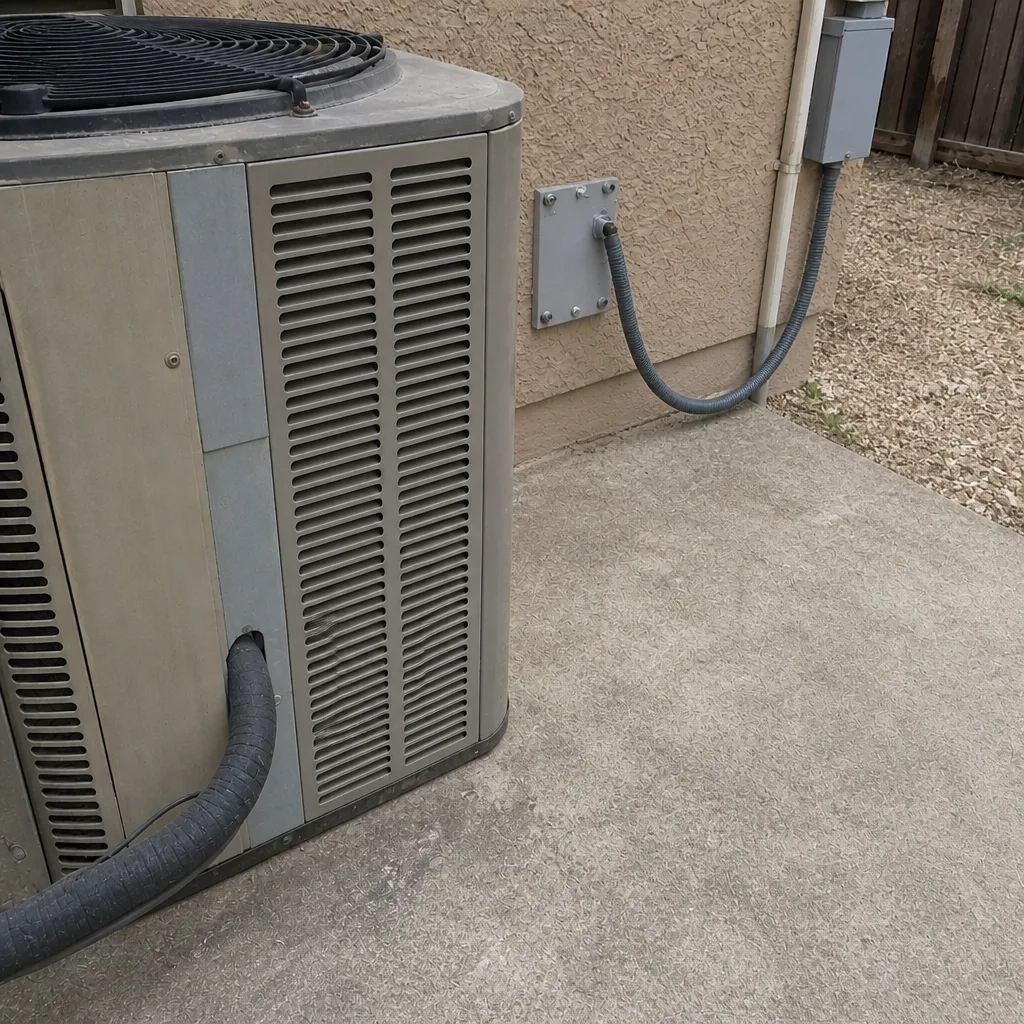
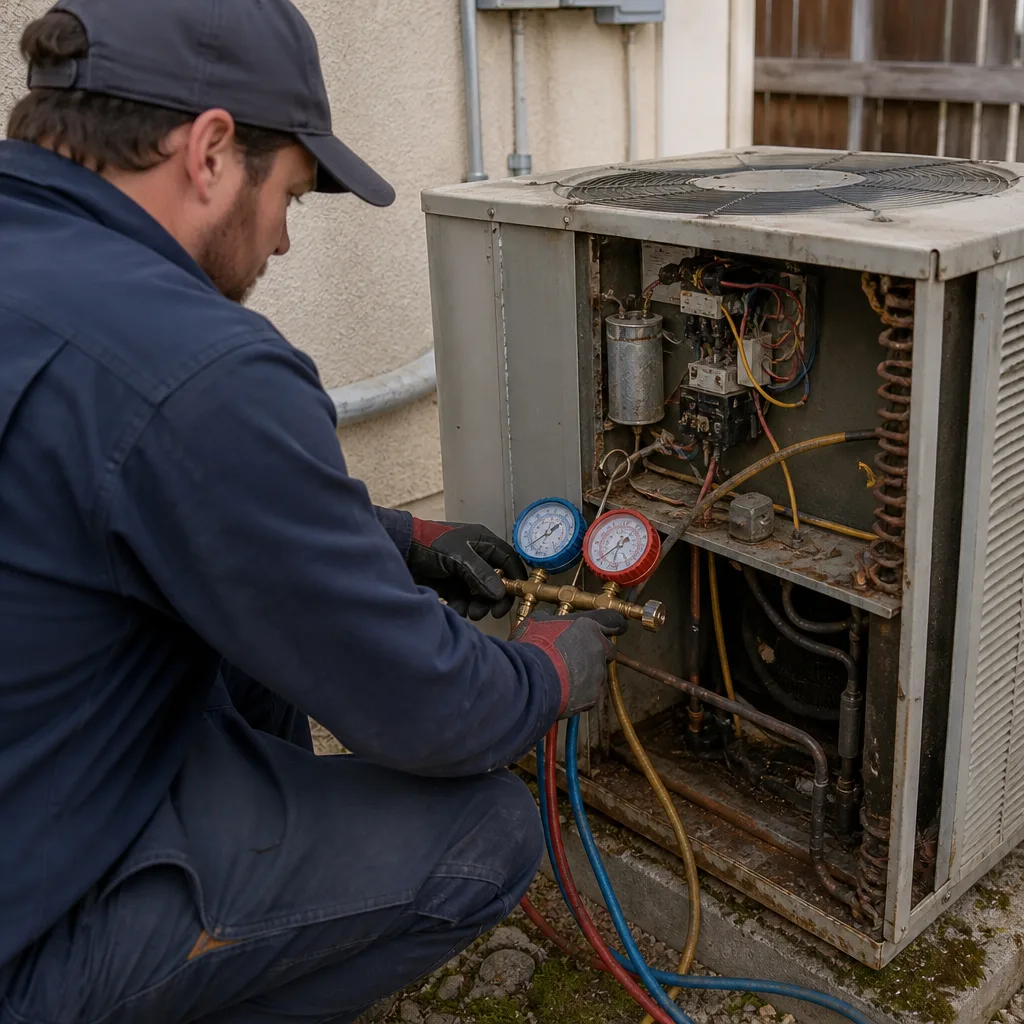
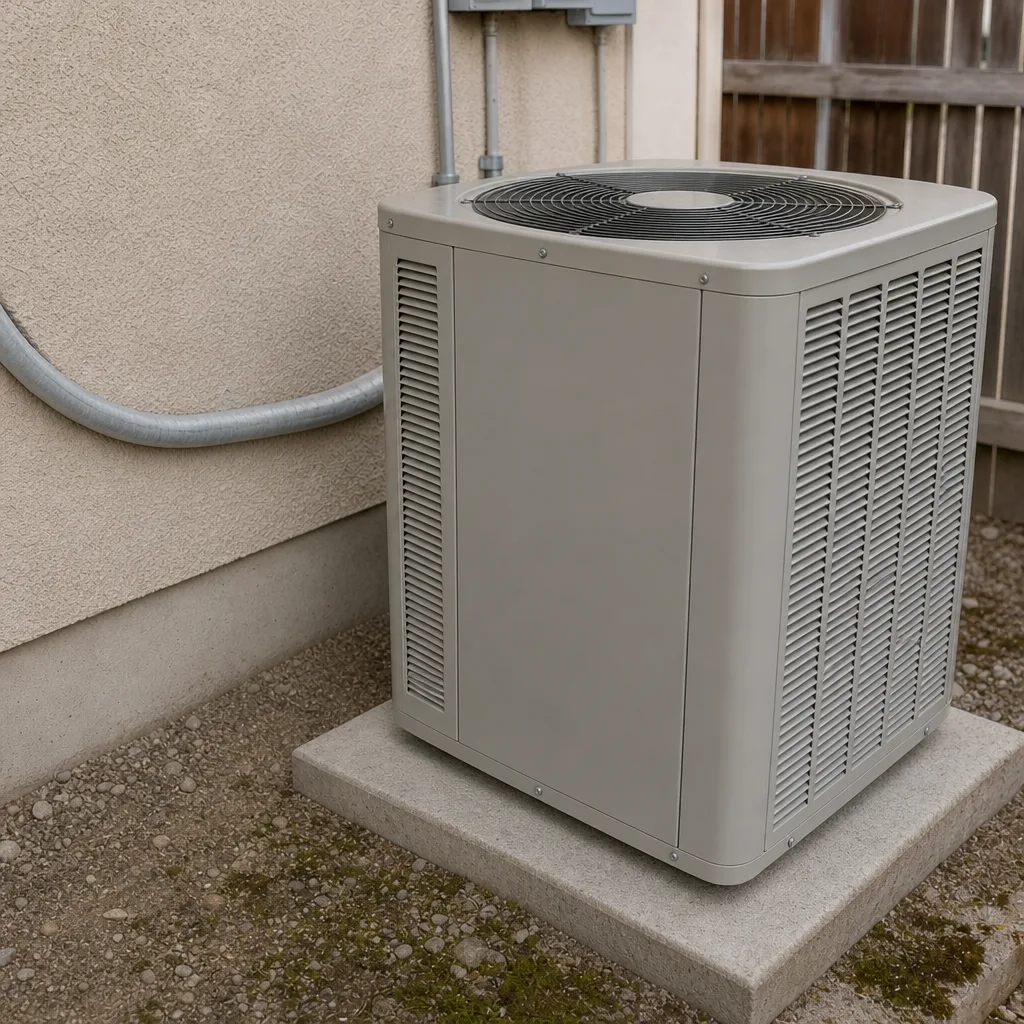
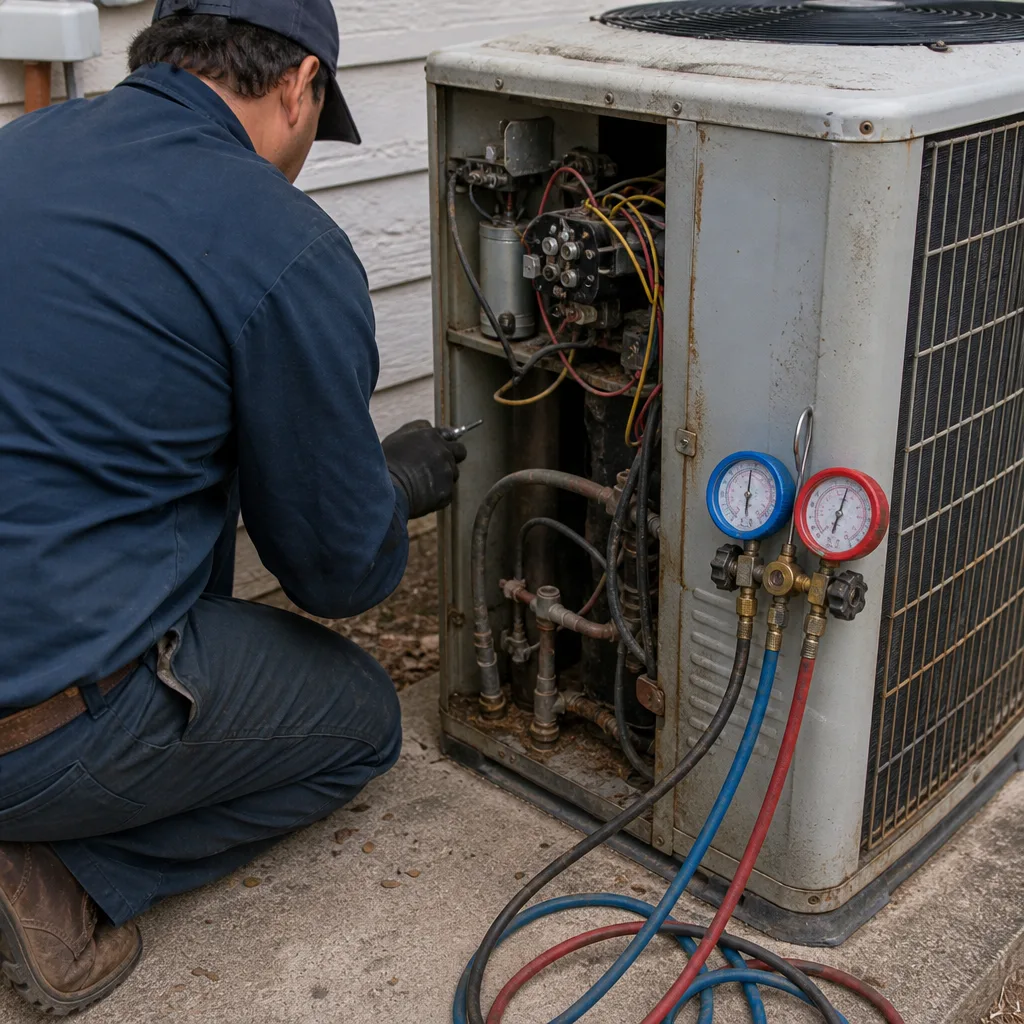
See the difference
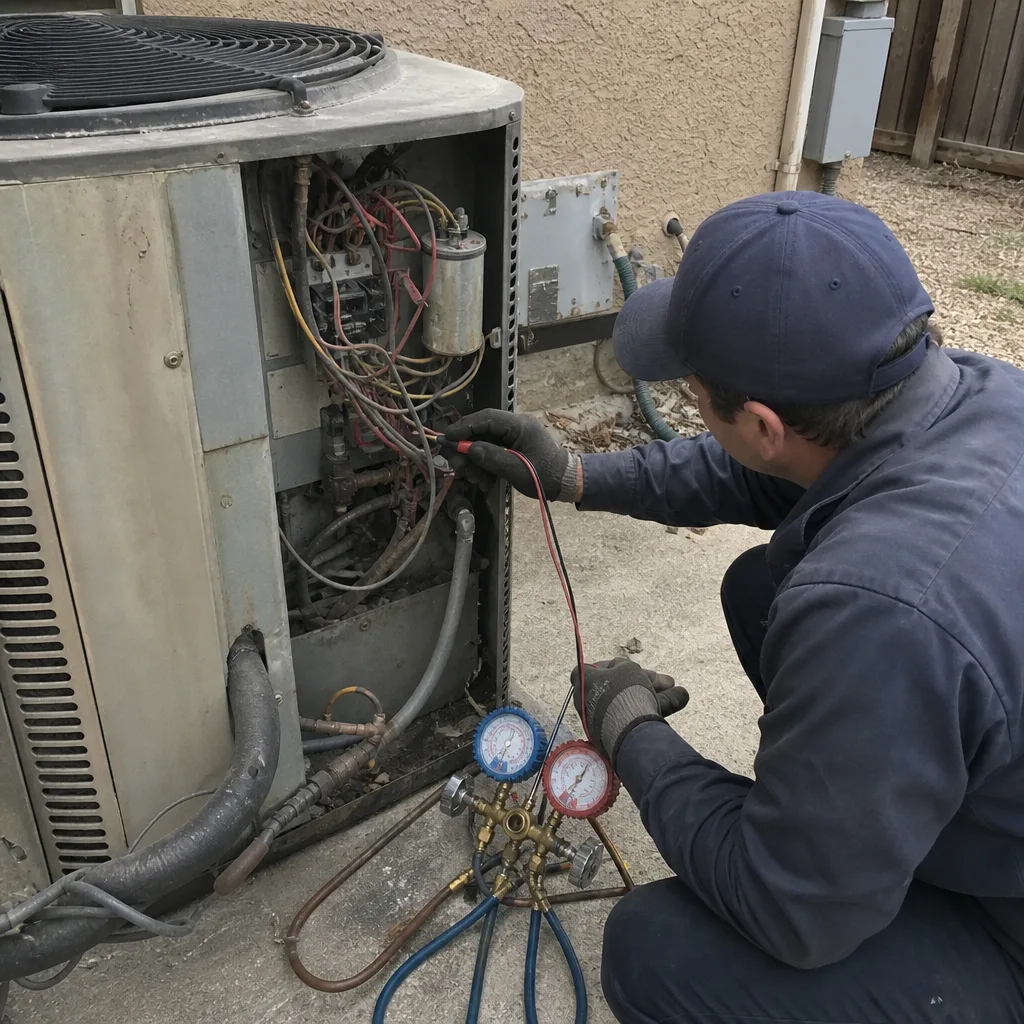 Before
 After
 Before
 After
 Before
 After
When to Call a Professional
Call when you see repeat breaker trips on the outdoor unit’s circuit, hear buzzing that doesn’t settle after startup, hear a thud or gurgle tied to a compressor cycle, see a temperature split that’s dropped and stays down, notice runtime that keeps climbing under similar outdoor conditions, or find a register that’s warming while its neighbors stay cold. Call if you smell hot insulation or see scorch marks at the disconnect, and don’t run the system until a technician looks at it. If you’re already in peak summer, call before the first sign turns into a failure, because scheduling gets harder with every degree. AC Repair Enterprise offers free estimates in Enterprise – call (833) 632-6348. We answer 24/7. Fast dispatch from 7am to 7pm, Sunday through Friday. Our technicians are brand-trained across nine leading HVAC brands, which means your diagnosis is specific to the equipment in your home, not a generic guess.
Frequently Asked Questions
Runtime creep is usually the first sign. The system runs longer than it used to for the same cooling, and nothing else has changed. It’s easy to dismiss because nothing is broken yet, but it’s the signal that gives you the most lead time. Track it for two weeks, then call for an exact quote – estimates are free. Call (833) 632-6348 and we’ll book a diagnostic visit.
Measure return air at the filter grille and supply air at a nearby register after the system has run at least ten minutes, then subtract supply from return. A healthy split sits in a wide acceptable band; what matters is whether it’s changed since the last service and whether it’s stable across the run cycle. A split that starts low at startup and climbs is a different signal than one that stays low and keeps dropping. Call (833) 632-6348 for an exact diagnosis – estimates are free.
Repeated trips on the outdoor unit’s circuit usually point to a failing capacitor, a compressor winding issue, or a wiring problem at the disconnect. One trip after a power flicker is normal; several within a few weeks is not. This is a stop-and-call situation because a strained circuit can damage the compressor. Call (833) 632-6348. We answer 24/7. Fast dispatch from 7am to 7pm, Sunday through Friday.
Migration shows a low temperature split at startup that climbs into range as the compressor stabilizes. A true leak shows a low split that doesn’t recover and keeps dropping. Wide day-night temperature swings in Enterprise drive migration more than most climates, which is why the distinction matters. Confirming it requires gauges and a leak search. Call (833) 632-6348 for an exact quote – estimates are free.
Yes. Scan every register and the ceiling around each one while the system is running. A register that reads substantially warmer than its neighbors, or ceiling that’s warmer than surrounding ceiling near a duct run, points to a leaking or disconnected duct above. It’s not a full duct test, but it’s enough to justify a technician’s visit. Call (833) 632-6348.
The honest answer depends on the specific failure, the system’s age, and whether you’re seeing one fault or a pattern. If the fault is isolated and the system is otherwise healthy, repair usually wins; if the system is near end of life and has had recent major repairs, replacement is a real option to discuss. We assess repair viability before recommending replacement. Call (833) 632-6348 for a free estimate and an honest read on your system.
The Bottom Line
Warning signs come in weeks, not seconds, and the ones that matter most in Enterprise homes are quiet: runtime that creeps up, a temperature split that changes, a breaker that trips twice, a hum that doesn’t settle, a register that’s warmer than its neighbors. Track them, measure them with tools you probably already own, and describe them clearly when you call. Do that and you’ll book a repair before peak summer rather than a scramble in July. Nine brands, one call. When you’re ready, call (833) 632-6348 for a free estimate. We answer 24/7. Fast dispatch from 7am to 7pm, Sunday through Friday, no overtime charge. Our technicians have up to 12 years of experience and diagnose the equipment you actually have.
Written by the team at AC Repair Enterprise.